Voice AI for Front Desk Teams
March 12, 2026
Voice AI for front desk operations helps businesses answer every call, book more appointments, and reduce admin work without adding staff.
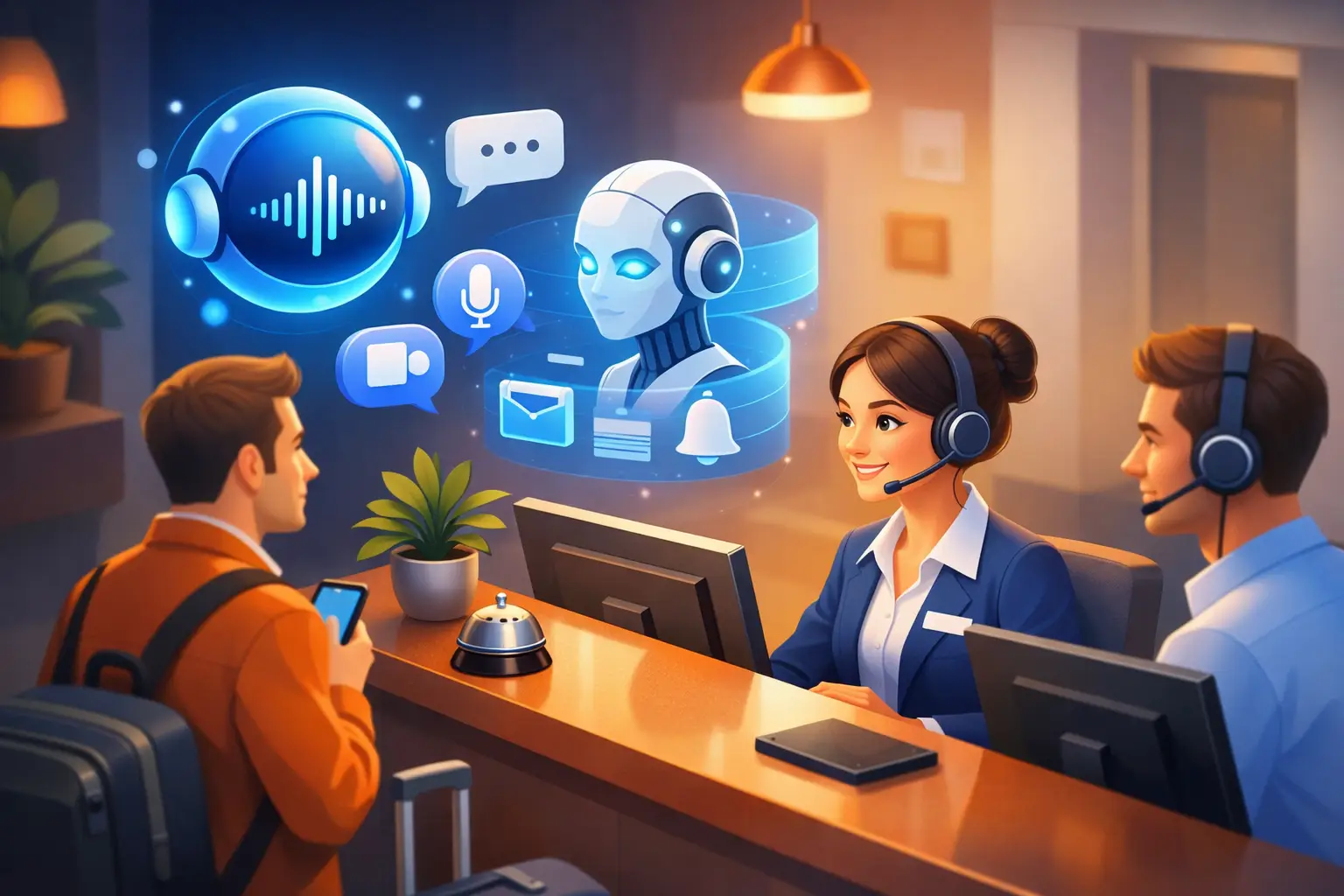
A missed call at 4:47 PM is rarely just a missed call. For an appointment-based business, it can be a lost patient, a canceled estimate, an unbooked consultation, or a lead that calls the next provider on the list.
That is why voice AI for front desk operations is getting attention from owners and office managers who are under pressure to increase booking volume without expanding payroll. The front desk is where revenue capture, customer experience, and scheduling discipline meet. When coverage breaks down, the impact shows up fast in missed opportunities, uneven service, and overloaded staff.
The practical question is not whether AI can answer a phone. It is whether it can handle front-desk work in a way that improves operations.
What voice AI for front desk work actually does
Voice AI for front desk coverage is not a generic chatbot with a phone number attached. In a business setting, it needs to perform the same core functions a receptionist handles every day.
That starts with answering inbound calls consistently, including after hours, during lunch breaks, and when staff are already tied up with in-person customers. It also means collecting caller information accurately, understanding why the person is calling, and moving the interaction toward the right next step.
For many service businesses, that next step is scheduling. A useful front-desk voice AI should be able to offer appointment times, confirm bookings, answer standard intake questions, and send follow-up confirmations. It should also route calls that need a person, such as urgent matters, billing exceptions, or complex service issues.
The operational value comes from repeatability. A trained receptionist may be excellent, but coverage varies by shift, workload, turnover, and competing priorities. Voice AI creates a consistent response layer that does not get distracted, does not call out sick, and does not let the phone ring because the front desk is managing check-ins.
Where businesses see the biggest gains
The strongest use case for voice AI for front desk teams is not replacing every human interaction. It is protecting the highest-volume, most repetitive, and most time-sensitive workflows.
Appointment-driven businesses usually feel the benefit first in three areas: call answer rate, scheduling throughput, and administrative load. If your team misses calls during peak periods, AI can prevent those leads from dropping. If your staff spends hours every week confirming appointments or handling basic scheduling changes, AI can absorb that work. If your office gets inconsistent customer communication because staff members handle calls differently, AI can standardize the experience.
This matters even more for businesses with thin staffing. A two-person office often has the same need for reliable call handling as a larger operation, but less capacity to absorb interruptions. Every call pulls someone away from a customer, a patient, or a task that also affects revenue.
Voice AI changes that equation by giving the business continuous front-desk coverage without adding another full-time hire.
The difference between helpful automation and bad automation
Not every AI receptionist setup improves the front desk. Some create more friction than they remove.
The difference usually comes down to scope and design. If the system is built like a broad customer support bot, it may sound capable but fail on the workflows that matter most at the front desk. Reception work is specific. It requires fast identification of caller intent, clear handling of bookings, clean message capture, and dependable routing.
A good system should sound natural, but sounding natural is not the main requirement. Accuracy and process control matter more. If the AI is friendly but fails to collect the right details, offers the wrong appointment options, or creates confusion about next steps, the business still loses.
There is also a trade-off between automation depth and operational risk. Some businesses should let AI fully handle common scheduling calls. Others may want AI to qualify and capture, then hand off for final confirmation. It depends on the complexity of services, the variability of appointment types, and how tightly the calendar needs to be managed.
For example, a business with standardized appointment lengths and straightforward availability can automate more aggressively. A practice with provider-specific rules, insurance verification, or complicated intake may need a narrower starting point.
How to evaluate voice AI for front desk performance
The easiest mistake is evaluating voice AI as a technology demo instead of an operations tool.
A better approach is to ask whether it improves the metrics your front desk is already judged on. Can it reduce missed calls? Can it increase the percentage of inquiries that become scheduled appointments? Can it shorten response time? Can it reduce the amount of manual scheduling and follow-up work your staff handles each day?
Those questions lead to a more practical checklist. The system should reliably answer every inbound call. It should capture names, callback details, and service needs without creating messy records. It should integrate with scheduling workflows or at least support a clean handoff. It should know when to escalate. And it should produce enough visibility that management can see what happened on each call.
Reliability is especially important. A front desk tool does not get credit for being innovative if it creates uncertainty. Business operators need to know that callers are being handled correctly every time, not just in ideal conditions.
This is where specialization matters. A receptionist-focused platform like Ortuas is built around call handling, appointment capture, and communication workflows rather than trying to be everything at once. That narrower focus tends to map better to the day-to-day demands of a front desk.
Common objections and when they are valid
Some teams worry that callers will resist speaking to AI. That concern is understandable, but it is often overstated. Most callers care less about whether the first voice is human and more about whether they get a quick, clear response and an accurate next step.
What customers notice most is delay. They notice being sent to voicemail, waiting on hold, repeating themselves, or never getting a callback. If voice AI eliminates those failures, it can improve customer experience even if some callers would still prefer a person for certain situations.
Another concern is loss of control. Office managers do not want an automated system improvising around scheduling rules or mishandling edge cases. That is a valid concern if the implementation is too broad. The right way to deploy voice AI for front desk operations is with defined workflows, clear escalation rules, and a controlled rollout.
There is also the staffing concern. Some teams hear "AI receptionist" and assume it means eliminating staff. In practice, many businesses use it to stabilize coverage and reduce overload. It can supplement a live team, cover overflow, extend after-hours response, or take routine scheduling off the plate so staff can focus on higher-value interactions in the office.
Where implementation usually succeeds
Voice AI works best when the front desk already has repeatable processes, even if they are currently manual. If your business knows how appointments should be booked, what information needs to be collected, when to escalate, and how follow-up should happen, AI can enforce that process consistently.
It struggles when internal workflows are unclear. If staff members all answer questions differently, scheduling rules change constantly, or there is no agreement on what counts as a qualified lead, automation will expose those gaps.
That is not a reason to avoid AI. It is a reason to define the front-desk workflow first.
The strongest rollout often starts with a limited set of high-volume call types. New appointment requests, basic service inquiries, appointment confirmations, and after-hours call capture are common starting points. Once those are stable, the business can expand coverage based on what actually saves time and improves conversion.
Why this shift is operational, not experimental
For many service businesses, front-desk performance is still constrained by staffing models that do not match customer behavior. People call before opening, during lunch, after work, and while your team is busy with someone standing at the counter. A business can keep hiring into that problem, or it can add a response layer that handles demand more consistently.
That is the real case for voice AI for front desk teams. It is not about novelty. It is about making sure every inquiry is answered, every appointment opportunity is handled, and every routine interaction does not depend on whether someone is free to pick up the phone.
The best systems do not try to imitate a full office staff. They take ownership of the front-desk tasks that are repetitive, urgent, and operationally expensive when missed.
If your phones ring more than your team can reliably manage, the question is no longer whether automation belongs at the front desk. The better question is how much revenue and staff time you are still willing to lose without it.
Get tips like this in your inbox
We send practical guides on AI, automation, and growing your service business. No spam.