Virtual Receptionist vs AI Receptionist
February 26, 2026
Virtual receptionist vs ai receptionist: compare cost, coverage, booking speed, and consistency so you can choose the right front-desk setup.
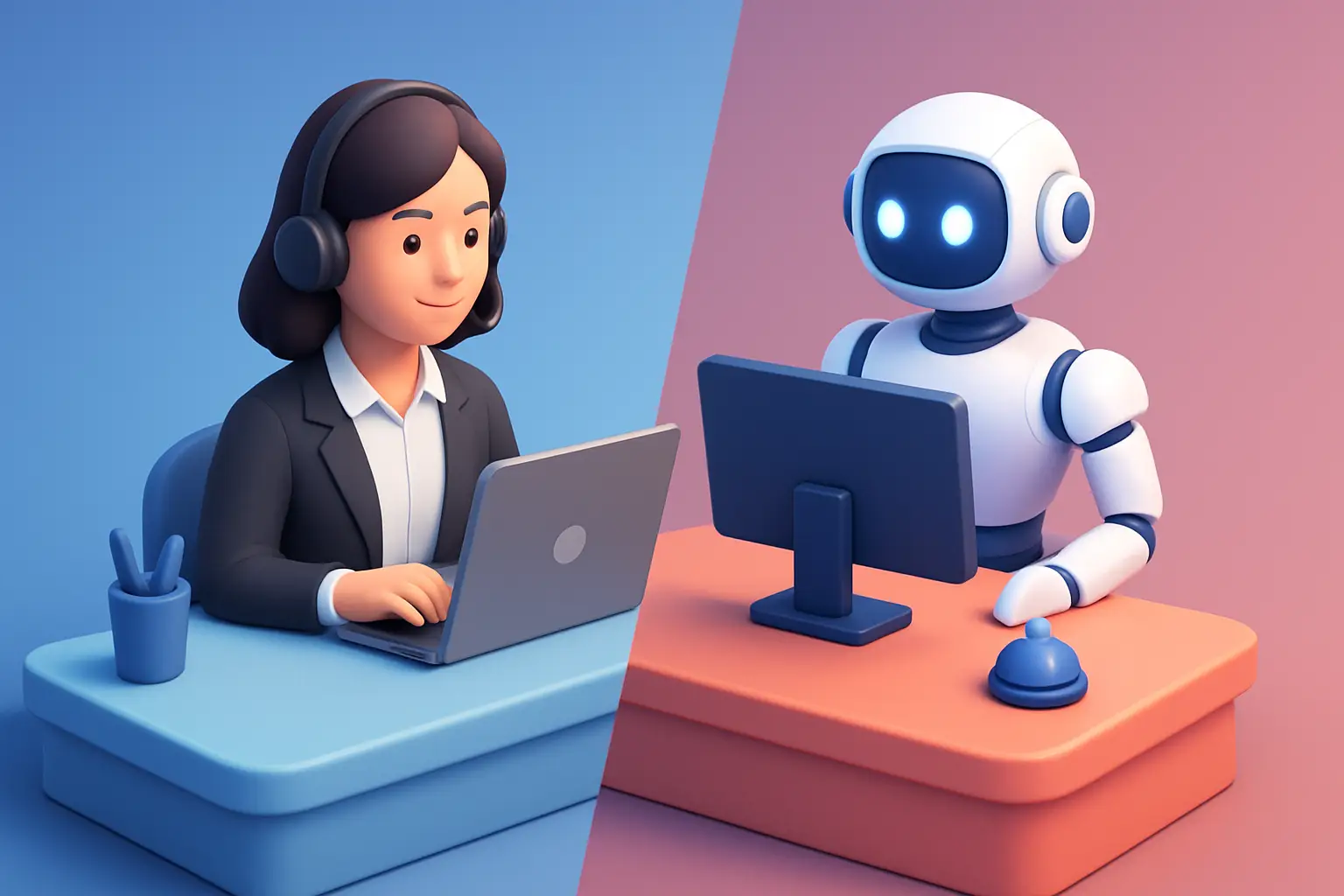
At 4:55 pm, a new lead calls to ask one question, then book. If they reach a person who can answer, schedule, and confirm on the spot, you win the appointment. If they hit a voicemail or a “we’ll call you back tomorrow,” you often lose the job.
That’s the real decision behind virtual receptionist vs ai receptionist. It’s not a debate about technology. It’s about whether your front desk can reliably capture every inquiry, route it correctly, and convert it into a scheduled appointment - during business hours, after hours, and during the messy in-between moments when your team is busy.
What a virtual receptionist actually is
A virtual receptionist is a human (or a team of humans) answering your calls remotely. They typically follow a script, take messages, transfer calls, and in some cases book appointments in your scheduling system.
For appointment-driven businesses, the best virtual receptionist services feel like an extension of your front desk - as long as the call volume, request complexity, and coverage needs stay within what that provider can staff.
The operational upside is straightforward: you get a real person who can handle nuance, de-escalate frustration, and interpret odd requests. The operational downside is also straightforward: humans still have limited hours, variable performance, and per-call or per-minute economics.
What an AI receptionist is in practical terms
An AI receptionist is software that handles inbound inquiries and appointment workflows automatically. The modern versions are designed specifically for front-desk work: answering common questions, capturing lead details, qualifying the request, booking or requesting appointment times, and sending confirmations and follow-ups.
The key difference is coverage and consistency. An AI receptionist can respond instantly, every time, without staffing constraints. The trade-off is that it needs to be set up around your services, scheduling rules, and escalation paths so it stays accurate and on-brand.
For businesses that live and die on speed-to-lead and booking conversion, this distinction matters. If you regularly miss calls, have inconsistent follow-through, or struggle after hours, AI can function as an always-on front desk layer rather than “another tool.”
Virtual receptionist vs AI receptionist: the decision points that matter
If you’re evaluating options, the cleanest way to decide is to map each approach to the front-desk outcomes you care about: coverage, booking throughput, consistency, cost, and control.
Coverage: business hours is not your customer’s schedule
A virtual receptionist can cover the hours you pay for. Many businesses start here because it’s familiar: someone answers the phone when your team can’t.
But the gaps show up quickly. After-hours calls, weekend inquiries, lunch breaks, holidays, and high-call spikes are exactly when leads leak. Some providers offer extended coverage, but it typically increases cost and still depends on staffing.
An AI receptionist is always on. That sounds like a feature until you translate it into outcomes: fewer missed calls, fewer “call me back” notes, and more bookings made when the customer is ready to schedule.
If your inquiry volume includes evenings and weekends, or you serve customers who expect immediate response, AI coverage tends to be the more direct fix.
Booking speed: the faster the confirmation, the higher the conversion
Virtual receptionists can book quickly when they have access to your calendar and clear scheduling rules. The best ones do this well.
The problem is variance. Booking speed drops when the receptionist is juggling multiple clients, lacks context, or has to message your team for approval. Even a short delay can turn into a missed appointment opportunity.
AI receptionists are designed for immediate workflow execution. When configured correctly, they can move from “What services do you offer?” to “Here are available times” to “You’re confirmed” without a handoff.
If your revenue depends on filling a schedule, the question becomes: how often does your front desk complete the booking in the first interaction?
Consistency: scripts help, but humans still vary
Virtual receptionists usually operate from scripts and call handling rules. That’s good. It creates a baseline.
But day-to-day performance still varies across individual receptionists and shifts. Small inconsistencies matter: forgetting to ask for an email, capturing the wrong callback number, mispronouncing a name, or giving a slightly different answer about pricing or availability.
AI receptionists are consistent by default. They follow the same logic every time, ask the same required questions, and apply the same routing rules. That consistency can raise your floor dramatically - especially if you have high staff turnover or multiple locations.
The trade-off is that you must keep the AI’s knowledge and workflows current. If your hours change or you add a service, the system needs an update. Operationally, that’s often easier than retraining multiple people, but it still needs ownership.
Cost: compare the full cost of coverage, not the sticker price
Virtual receptionist pricing is typically tied to minutes, calls, or tiers. It can be cost-effective if your volume is low and your handling needs are simple.
Costs rise when you need more coverage, more booking responsibility, bilingual handling, or higher call volume. There’s also an indirect cost: time spent correcting misrouted messages, chasing missing details, and calling leads back.
AI receptionist pricing is usually subscription-based. The more relevant question is what it replaces: missed-call leakage, after-hours gaps, and manual admin work like confirmations and follow-ups.
If you want a clean comparison, look at cost per booked appointment and cost per captured lead, not just monthly spend.
Customer experience: some situations still need a human
Humans are still best for edge cases: emotionally charged calls, complex complaints, unusual service requests, or customers who insist on a person.
AI is best for high-frequency front-desk work: scheduling, confirming, rescheduling, basic FAQs, lead capture, and routing. That’s most of what overwhelms busy offices.
A practical approach for many service businesses is not “AI or human.” It’s defining what must be handled by a person and letting automation handle the repeatable parts, instantly and reliably.
When a virtual receptionist is the better fit
A virtual receptionist can be the right choice when your front-desk work is primarily call answering and message taking, your call volume is modest, and your service requests vary widely.
It’s also a solid fit if you have highly specialized intake that requires clinical judgment, detailed troubleshooting, or policy-driven decisions that you are not ready to standardize.
If your top priority is a human voice for every interaction and you don’t need consistent after-hours conversion, a virtual receptionist can meet the need.
When an AI receptionist is the better fit
An AI receptionist tends to outperform when the business has three conditions: meaningful after-hours inquiries, a need to maximize booking throughput, and a front desk that already feels overloaded.
If you frequently hear “I called earlier and didn’t hear back,” or if your team spends the day playing phone tag, that’s a workflow problem, not an effort problem. AI can close that gap by responding instantly, capturing the details, and moving the customer to a confirmed next step.
AI is also strong for multi-location operations where consistency matters. One set of rules, one standard intake flow, one set of confirmation and reminder practices.
The hybrid model: set escalation rules, then let automation work
The most operationally sound setup for many appointment-driven businesses is a hybrid.
You let the AI receptionist handle what it’s good at: immediate response, lead capture, scheduling flows, confirmations, reminders, and routing. Then you define escalation paths for the situations that genuinely need a person: complex billing, sensitive complaints, unusual service requests, or VIP accounts.
This model reduces interruptions for your staff while still protecting customer experience. It also gives you a clear way to measure impact: fewer missed calls, faster booking times, and fewer manual touches per appointment.
What to ask before you choose
Before you commit to either direction, get specific about your front-desk reality.
First, identify where leads are leaking. Is it after-hours? During peak times? When staff is on another call? Next, look at booking friction. How often does the first interaction end with a confirmed appointment versus “we’ll call you back”? Then consider how often your team does repetitive admin: confirmations, reschedules, reminders, and basic FAQs.
Those answers will point you to the right tool. If your main issue is simply answering phones during the day, a virtual receptionist may be enough. If your issue is conversion and coverage, AI is usually the more direct operational fix.
A practical way to evaluate an AI receptionist
Don’t evaluate AI based on novelty. Evaluate it like you would a front-desk hire.
Can it capture the required intake details every time? Can it book correctly based on your rules? Can it confirm and follow up without your team chasing? Can it route edge cases to a person without dropping the context?
If you’re looking specifically for an AI built around receptionist workflows - not a generic chatbot - Ortuas is designed for always-on inquiry handling, scheduling, and appointment communication at the front desk level. You can see how it’s positioned at https://ortuas.com.
The best signal that you’ve made the right choice is simple: your team stops triaging missed calls, and your calendar fills with fewer manual touches.
A helpful closing thought: pick the option that makes responsiveness your default setting, not a daily fight your staff has to win.
Get tips like this in your inbox
We send practical guides on AI, automation, and growing your service business. No spam.