A Guide to Receptionist Automation Software
June 19, 2026
A guide to receptionist automation software for service businesses that need faster response times, better booking rates, and less front-desk work.
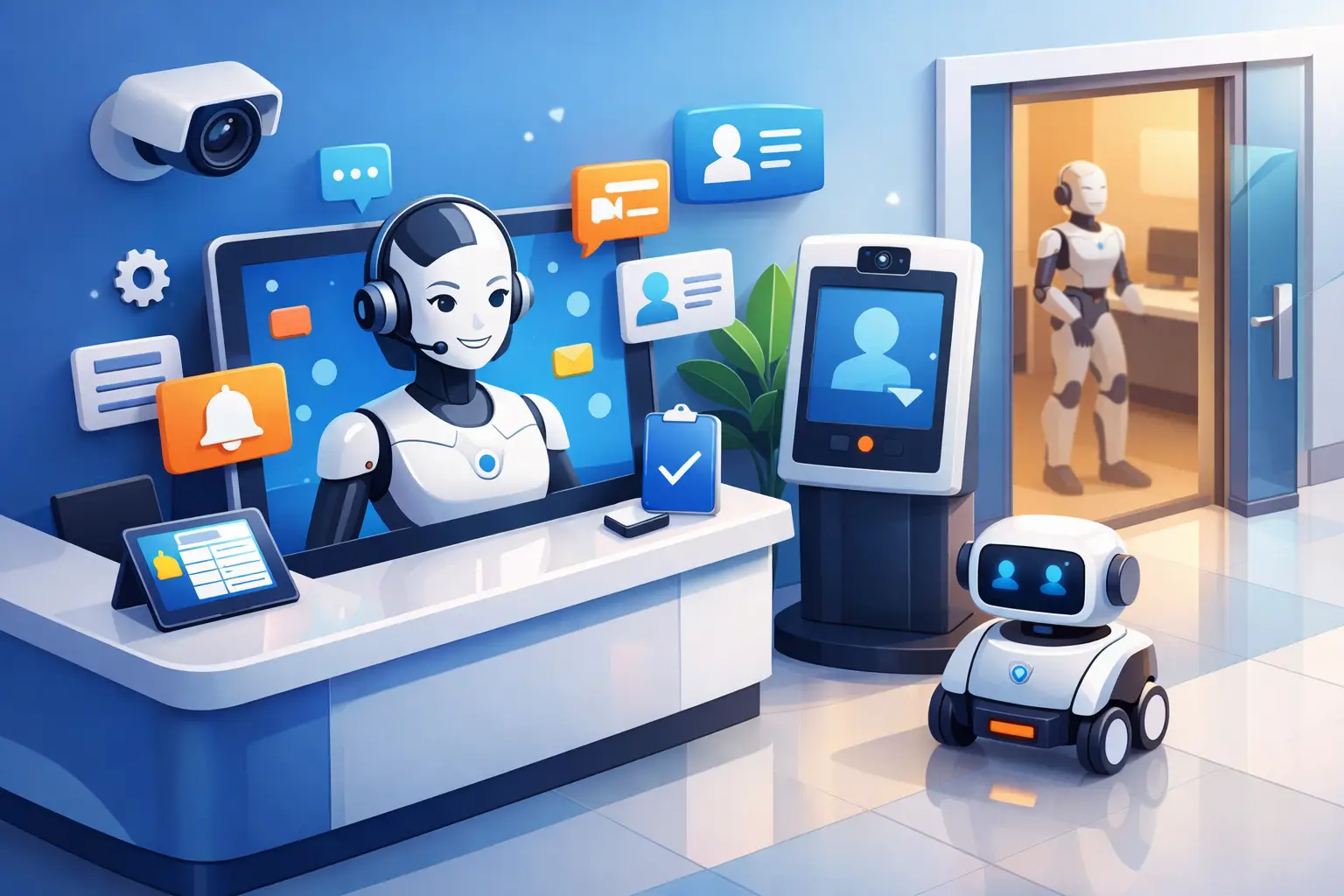
A missed call is rarely just a missed call. For an appointment-driven business, it can mean a lost booking, a slower intake process, or a customer who moves on to the next provider. That is why this guide to receptionist automation software starts with operations, not hype. The real question is simple: can your front desk respond quickly, book accurately, and stay consistent when demand spikes or staff availability changes?
For many service businesses, the answer is no - at least not all the time. Phones ring during lunch, after hours, and while staff are helping someone in person. Online inquiries come in when no one is available to reply. Scheduling takes time, and follow-up slips when the day gets busy. Receptionist automation software exists to close those gaps without adding another full-time hire.
What receptionist automation software actually does
Receptionist automation software is built to handle the work that usually sits at the front desk: answering inbound inquiries, collecting customer details, routing common questions, booking appointments, and sending confirmations or follow-ups. The best systems are not trying to replace every human interaction. They are focused on the repeatable parts of reception work that directly affect response time and scheduling throughput.
That distinction matters. A general chatbot may answer broad questions on a website, but a receptionist automation platform should be able to manage real intake and booking workflows. It should help your business capture demand the moment it appears, whether that starts with a phone call, text, or online inquiry.
If your business depends on appointments, the value is practical. Faster first response increases the odds of converting a lead. Better scheduling accuracy reduces back-and-forth. Consistent communication lowers the chance of no-shows and dropped inquiries. Those are measurable front-desk outcomes, not abstract technology benefits.
Who should use a guide to receptionist automation software
This type of software fits businesses where inbound communication directly drives revenue. That includes medical and dental practices, legal offices, home service companies, salons, med spas, consulting firms, and other service operations that book appointments or consultations.
It is especially useful when your team faces one or more common pressure points. Maybe calls are being missed during busy periods. Maybe staff spend too much time on repetitive scheduling tasks. Maybe after-hours inquiries wait until the next day, which slows conversion. In some offices, the issue is not volume but consistency. Different employees handle the front desk differently, which creates uneven customer experience and avoidable scheduling errors.
Automation is not only for high-volume companies. Smaller businesses often feel the impact faster because one missed call can represent a meaningful share of daily bookings. If your office manager is also answering phones, coordinating schedules, and handling admin work, automation can remove a layer of operational friction quickly.
The core features that matter most
A useful guide to receptionist automation software should focus less on feature volume and more on business impact. Plenty of platforms advertise AI, messaging, or workflow tools. What matters is whether those functions improve front-desk performance.
Start with inbound call and inquiry handling. The system should answer consistently, gather the right customer details, and move the interaction toward the next step. That next step may be booking an appointment, collecting intake information, or routing the request to the right person.
Scheduling capability is the second major requirement. Software should do more than suggest times. It needs to work with your actual appointment rules, availability windows, and booking flow. If it cannot handle rescheduling, confirmations, and basic scheduling logic, your team will still be forced to manage the same bottlenecks manually.
Communication follow-through is equally important. Appointment confirmations, reminders, and status updates help reduce no-shows and unnecessary inbound calls. Good receptionist automation software keeps customers informed without requiring your staff to manually send every message.
Reporting is another feature that deserves more attention than it usually gets. If you cannot see missed inquiries, booking conversion, response times, and call outcomes, it becomes hard to measure whether the software is improving operations. Visibility matters because front-desk performance is often where revenue leakage starts.
What to evaluate before you buy
The first evaluation point is workflow fit. Reception is not generic. A dental office, a law firm, and a home services company may all answer calls and book appointments, but their intake steps are different. Software should align with your business rules rather than forcing your staff into a workaround.
The second is channel coverage. Some businesses primarily need phone coverage. Others depend on web forms, SMS, or a mix of communication channels. If customers contact you in multiple ways, the software should create one consistent intake and scheduling process instead of scattering information across separate tools.
Third, look at handoff quality. Not every conversation should stay automated. There will be cases involving urgency, nuance, or exceptions. The software should know when to route a conversation to a human and pass along enough context so the customer does not have to repeat everything.
Fourth, assess reliability. This is front-desk infrastructure. If the platform fails, delays responses, or creates booking confusion, the cost shows up quickly in customer frustration and lost appointments. Dependability matters more than flashy demos.
Finally, ask how quickly your team can implement it. If setup requires weeks of rewriting workflows or constant tuning, the payoff may take too long. The best solutions improve reception operations without creating a second operational project for your staff to manage.
Common trade-offs to expect
Receptionist automation software can produce real gains, but it is not magic. There are trade-offs, and buyers should expect them.
The biggest one is flexibility versus control. Highly structured workflows improve consistency and booking accuracy, but they may feel less personalized in edge cases. On the other hand, systems that allow broad open-ended conversations may sound more natural but can introduce more variability. Which approach is better depends on how standardized your front-desk process needs to be.
Another trade-off is coverage versus complexity. A platform that handles calls, texts, reminders, scheduling, and follow-up in one place may simplify operations. But if your current systems are fragmented, rollout can require process cleanup. That is often worth doing, but it should be part of the buying decision.
There is also the question of staffing strategy. Some businesses want software to replace most routine reception work. Others want it to support existing staff by handling overflow, after-hours coverage, and repetitive scheduling tasks. Both models can work. The right choice depends on call volume, service complexity, and whether your current team is overloaded or simply uncovered during certain hours.
Signs your current front desk is ready for automation
If your team regularly starts the day by returning yesterday's missed calls, you already have a reception gap. If appointment confirmations are inconsistent, if intake details are missing, or if staff spend too much time answering repetitive questions, those are operational signs that automation could help.
Another clear sign is uneven booking performance. When one employee converts inquiries better than another, the problem is usually not effort. It is process variation. Standardized automation can create a more reliable response and booking flow across every shift.
Growth is another trigger. As inquiry volume rises, many businesses try to protect the customer experience by adding labor. Sometimes that is necessary. But in many cases, better front-desk automation solves the immediate bottleneck at a lower cost and with broader coverage.
How to make implementation work
The best rollout starts by defining what success looks like. That could be fewer missed calls, higher appointment conversion, reduced admin time, better after-hours coverage, or lower no-show rates. Without a clear target, it is hard to configure the software around actual business outcomes.
Next, map the moments where inquiries turn into appointments. What information needs to be collected? Which services can be booked directly? When should a conversation be escalated? Good implementation is less about technology setup and more about documenting how your reception process should work when it is running well.
Then review customer communication. Confirmations, reminders, and follow-up messages should sound clear and consistent. This is where a focused platform stands out. Ortuas, for example, is built around receptionist functions rather than broad customer support, which makes it easier to align automation with booking and front-desk workflows.
Once live, monitor performance closely in the first few weeks. Look at captured inquiries, conversion rates, scheduling errors, and handoff cases. Small adjustments early usually produce better long-term results than trying to perfect everything before launch.
Reception is one of the few business functions where speed, consistency, and availability all affect revenue at the same time. The right software does not just answer calls. It protects booking opportunities, reduces front-desk strain, and gives your team a more reliable way to manage demand. If your current process leaves too much to timing or staff availability, that is usually the clearest signal that change is overdue.
Get tips like this in your inbox
We send practical guides on AI, automation, and growing your service business. No spam.