A Guide to Appointment Scheduling Workflows
May 16, 2026
A guide to appointment scheduling workflows for service businesses that want faster booking, fewer missed calls, and more consistent front-desk coverage.
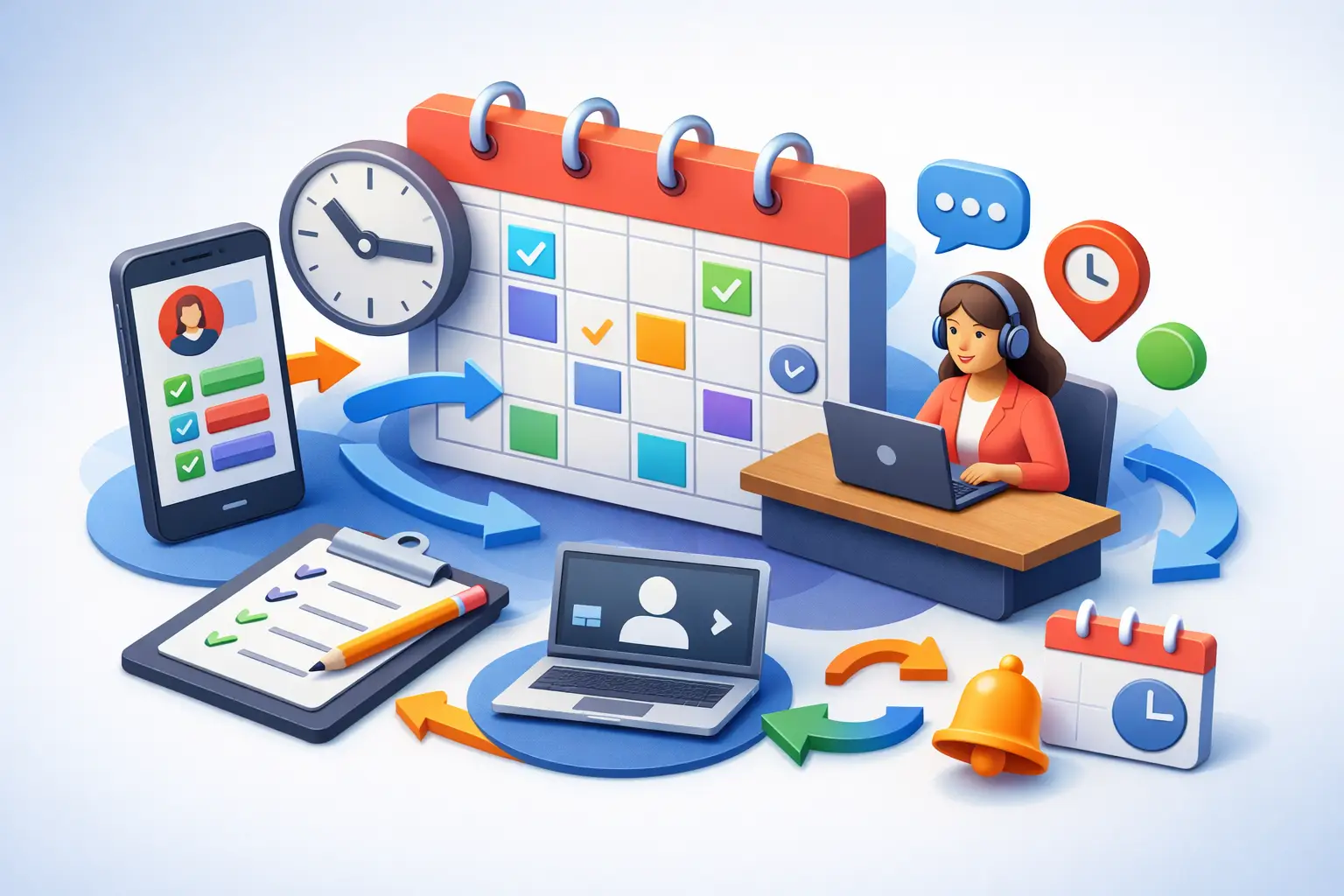
A missed call at 4:47 PM can turn into a lost appointment, a slower week, and a front desk that starts tomorrow already behind. That is why a practical guide to appointment scheduling workflows matters for service businesses. Scheduling is not just calendar management. It is the system that decides how quickly inquiries become booked appointments, how reliably customers get answers, and how much manual work your team carries every day.
For most appointment-driven businesses, the problem is not a lack of demand. It is inconsistent handling between first contact and confirmed booking. Calls come in during lunch, after hours, or while staff are tied up with in-person customers. Online requests sit unanswered. Follow-ups depend on whoever has time. The workflow breaks long before the calendar fills.
A strong scheduling workflow fixes that by creating a repeatable path from inquiry to confirmation, reminder, reschedule, and follow-up. It gives your team clear rules, reduces gaps in coverage, and makes booking less dependent on individual staff habits.
What appointment scheduling workflows actually include
When people hear scheduling workflow, they often think of one tool - the calendar. In practice, the workflow starts earlier and ends later. It begins when a customer calls, texts, or submits a request. It continues through qualification, routing, time selection, confirmation, reminder messages, changes, and post-appointment communication.
That broader view matters because many scheduling issues are not calendar issues. They are response-time issues, handoff issues, and consistency issues. If a business answers only some inbound calls, takes hours to reply to web inquiries, or relies on staff memory for reminders, the workflow is doing more damage than the calendar can fix.
A complete process usually covers five stages. First, capture every inquiry. Second, determine what kind of appointment is needed. Third, offer the right availability. Fourth, confirm the booking and set expectations. Fifth, manage reminders and changes without creating extra front-desk work.
The biggest failure points in a scheduling workflow
Most offices do not need a dramatic overhaul. They need fewer weak points.
The first weak point is intake. If calls roll to voicemail, if messages are incomplete, or if no one responds quickly, booking conversion drops fast. Customers looking for an appointment are usually comparing options in real time. Delay often means loss.
The second weak point is inconsistency. One staff member asks the right questions, another skips them. One confirms by text, another forgets. One offers only next week's slots while another squeezes in same-day availability. The result is a customer experience that feels random.
The third weak point is manual coordination. When staff have to answer the phone, check the schedule, ask follow-up questions, place callers on hold, and document details at the same time, errors increase. Double bookings, missing notes, and unconfirmed appointments usually come from overloaded front-desk processes, not careless teams.
The fourth weak point is after-hours coverage. Many businesses still treat after-hours inquiries as acceptable losses. That is expensive logic. If appointments drive revenue, every unanswered inquiry is part of the workflow whether the office is open or not.
How to build a better guide to appointment scheduling workflows into daily operations
The best workflow is the one your business can run consistently under normal volume and busy volume. That means designing for reality, not for ideal conditions.
Start by mapping your current path from inquiry to booked appointment. Look at every channel customers use - phone, web form, text, chat, or social message. Then ask a simple question at each step: who handles this, how long does it take, and what happens if that person is unavailable? Any step without a reliable answer is a risk point.
Next, standardize intake. Every appointment request should collect the same core information based on your business type. That usually includes customer name, contact details, service needed, preferred timing, and any qualifying information required before booking. Standardization speeds up routing and prevents the usual back-and-forth that slows bookings.
Then define scheduling rules. This is where many businesses stay too informal. Decide which appointment types can be booked directly, which require review, what buffer times are needed, when same-day appointments are allowed, and how cancellations are handled. Clear rules reduce staff guesswork and make automation possible.
After that, tighten confirmations and reminders. A booking is not really complete until the customer knows the time, location or access details, and any preparation requirements. Reminder timing should match the type of appointment. A high-value visit may need a confirmation at booking, a reminder 24 hours before, and another on the day of service. A low-friction appointment may need less.
Finally, include rescheduling and no-show prevention in the workflow. Businesses often focus on booking volume and ignore appointment retention. If customers cannot easily confirm or reschedule, no-shows rise and staff spend more time chasing preventable issues.
Where automation fits in appointment scheduling workflows
Automation works best when it handles repetition, not judgment-heavy exceptions. That distinction matters.
For example, capturing inbound inquiries, answering common scheduling questions, offering available times, sending confirmations, and issuing reminders are strong automation candidates. These steps happen frequently, follow rules, and benefit from consistency. They also tend to consume the most front-desk time.
More complex cases may still need staff review. That could include appointments requiring insurance verification, multi-service coordination, emergency prioritization, or provider-specific approval. A good workflow does not force everything into automation. It routes standard cases quickly and escalates exceptions cleanly.
This is where an AI receptionist model is practical. Instead of acting as a generic support layer, it can cover the operational front desk function - answering inquiries, capturing leads, handling appointment requests, and maintaining communication continuity when staff are busy or off the clock. For businesses trying to improve booking throughput without expanding payroll, that is a meaningful shift.
What good scheduling workflow performance looks like
A better workflow should show up in measurable results, not just a cleaner process chart.
The first signal is faster response time. If inbound calls and requests are acknowledged immediately or near immediately, appointment conversion usually improves. The second signal is a higher percentage of captured inquiries. If fewer calls go unanswered and fewer requests sit idle, the top of the funnel gets stronger.
The third signal is reduced front-desk workload. Staff should spend less time repeating routine booking tasks and more time handling exceptions, in-office service, and customer issues that actually need human attention. The fourth signal is better appointment integrity - fewer scheduling errors, fewer missed confirmations, and fewer no-shows.
There is also a financial signal. When scheduling workflows improve, labor is used more efficiently and revenue opportunities are less likely to slip through coverage gaps. That does not mean every business needs fewer people. Sometimes it means the same team can support more volume without breaking process quality.
Common trade-offs to consider
There is no single scheduling workflow that fits every service business. It depends on appointment complexity, call volume, staffing model, and customer expectations.
A highly standardized workflow is faster and easier to automate, but it may feel too rigid if your appointments vary a lot. A more flexible workflow can better handle edge cases, but it usually puts more burden on staff and increases inconsistency.
The same trade-off applies to booking access. Letting customers schedule directly can improve speed, but not every business should open full self-booking for every appointment type. In some operations, qualification needs to happen first. The right answer is often a hybrid model - direct booking for straightforward services, reviewed booking for more sensitive or complex ones.
Another trade-off is communication frequency. More reminders can reduce no-shows, but too many messages can annoy customers. The right cadence depends on how valuable the appointment is, how often customers reschedule, and how much prep is required.
A practical standard for service businesses
If you want a useful benchmark, your scheduling workflow should be able to do four things reliably. It should answer or capture every inquiry, route requests based on clear booking rules, confirm appointments consistently, and manage follow-up without depending on one person remembering the next step.
That standard is realistic for local service businesses, medical-adjacent offices, legal and professional services, and other appointment-based operations where responsiveness directly affects revenue. It is also the point where front-desk automation starts paying for itself. The more often your team is interrupted by routine scheduling tasks, the more value there is in offloading those tasks to a system built for consistent reception coverage.
If your calendar feels full but your front desk still feels strained, the problem may not be demand or staffing effort. It may be that your workflow is still operating like a set of habits instead of a system. Fix that, and scheduling stops being a daily scramble and starts becoming a reliable part of growth.
Get tips like this in your inbox
We send practical guides on AI, automation, and growing your service business. No spam.