Can Automation Confirm Appointments Reliably?
September 8, 2026
Can automation confirm appointments without frustrating customers? See how AI reception workflows protect bookings, reduce no-shows, and save staff time.
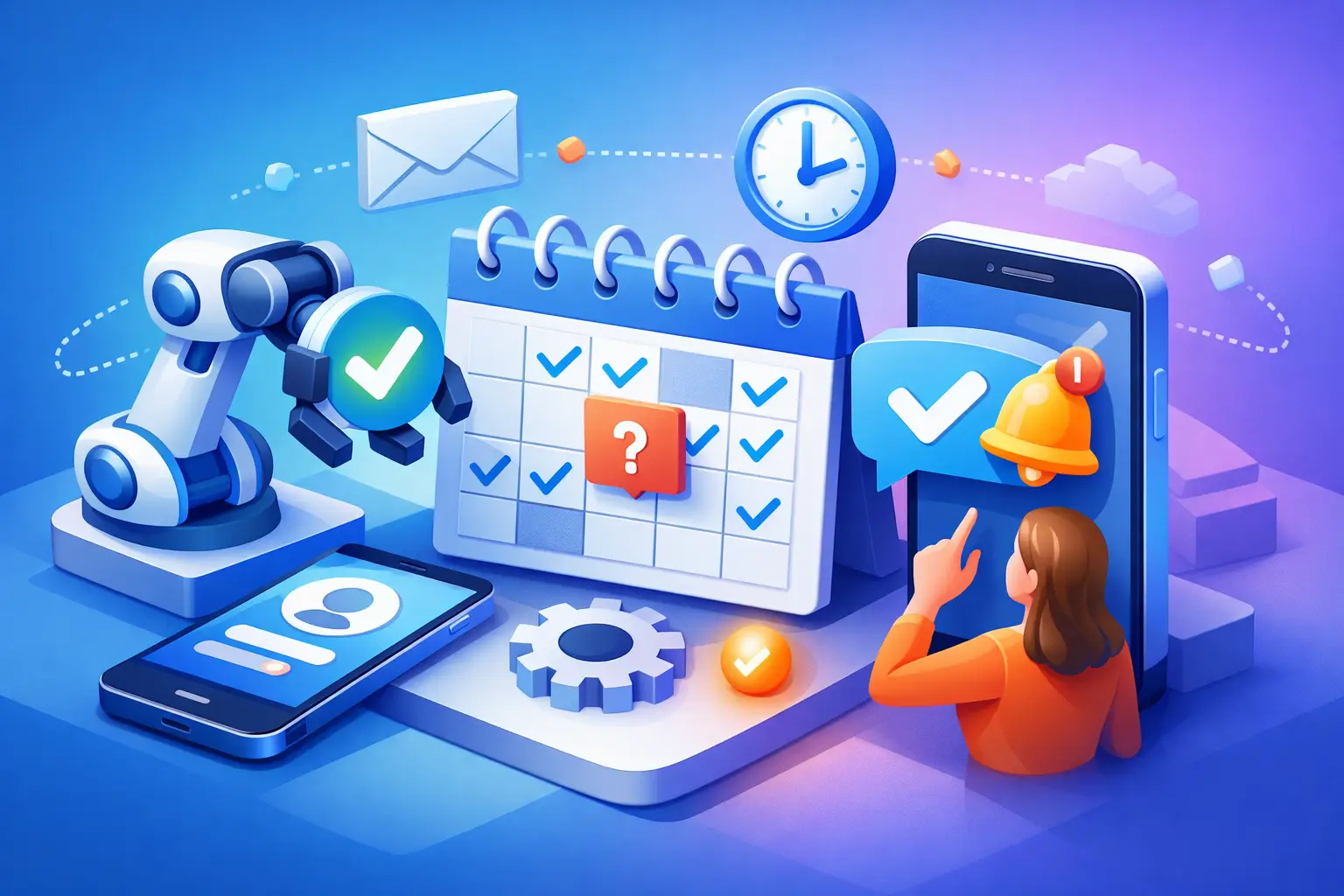
A customer books at 9:30 p.m., after your office has closed. By morning, they have received a clear confirmation, know where to go, and can reschedule if needed. The practical answer to “can automation confirm appointments” is yes - provided the system is built around real front-desk workflows rather than generic messaging.
For appointment-driven businesses, confirmation is not a minor administrative task. It protects revenue, reduces empty calendar slots, and gives customers confidence that their request was received. Automation can handle this work consistently at any hour, while staff focus on customers who need judgment, reassurance, or exception handling.
Can Automation Confirm Appointments Without Losing the Human Touch?
Appointment confirmation automation works by connecting a scheduling source to approved customer communication channels. When a booking is created, changed, or canceled, the system recognizes the event and sends the appropriate message by text, email, or both. It can also respond to a customer who confirms, requests a change, or asks a basic scheduling question.
The key is context. A useful confirmation does more than say, “You are booked.” It identifies the service, date, time, location or meeting instructions, and next step. If your business has preparation requirements, cancellation rules, intake forms, or parking details, those can be included at the right point in the customer journey.
This is where automation can feel more reliable than a rushed manual process. Every appointment receives the same core information. Every customer gets a response even when calls come in after hours. And the business has a documented communication trail instead of relying on whether someone remembered to call.
Human touch does not mean a human must type every confirmation. It means customers receive clear, relevant communication and can reach a person when their situation falls outside the standard workflow. A well-designed automated receptionist handles the routine path and routes the exceptions.
What a Strong Confirmation Workflow Includes
The best workflow starts before the confirmation message. It begins with accurate booking information. If customers can select the wrong service, enter an incomplete phone number, or book with the wrong provider, automation will only distribute those errors faster. Your appointment types, availability rules, staff calendars, and customer data need a clean operating structure.
Once a booking is valid, the initial confirmation should go out quickly. Immediate delivery reassures customers that the appointment is real and gives them time to catch mistakes. For businesses that receive high volumes of inbound inquiries, this speed also helps convert tentative interest into a committed visit.
A useful sequence generally includes an immediate confirmation, a reminder before the appointment, and a simple response path for changes. The timing depends on the service. A salon appointment may need a reminder the day before. A medical, legal, or professional service with longer lead times may benefit from an earlier reminder plus a final prompt closer to the visit.
The messages should be concise. Customers need the essential details first: what is scheduled, when it is scheduled, and what to do if plans change. Extra information is valuable only when it removes friction. A long message full of policy language can cause customers to ignore the details that matter.
Confirmations should support two-way communication
One-way reminders are better than silence, but they leave work for staff when customers reply. A stronger system can recognize common responses such as “Yes,” “confirm,” “need to reschedule,” or “cancel.” It can then update the appointment, offer approved scheduling options, or notify the team when human follow-up is required.
That capability matters because customers do not communicate in perfect scripts. They may ask to move an appointment by 30 minutes, say they are running late, or ask whether they need to bring paperwork. Automation should handle clear requests and avoid guessing when the request is ambiguous.
For example, a customer who replies, “Can I bring my spouse?” should not receive an unrelated cancellation link. The system should either provide a pre-approved answer or route the message to staff. Reliability comes from knowing the difference between a routine transaction and a conversation that requires judgment.
Where Automation Delivers the Most Value
The largest benefit is coverage. Many service businesses lose bookings not because demand is low, but because inquiries and scheduling changes arrive when no one is available to respond. An automated reception layer can capture the inquiry, confirm the booking, and keep the customer moving forward outside normal office hours.
It also reduces repetitive administrative work. Front-desk staff often spend significant time checking calendars, returning voicemails, sending reminders, and answering whether an appointment was successfully scheduled. Automation handles the predictable volume so staff can manage walk-ins, complex calls, urgent situations, and higher-value customer interactions.
There is also a consistency advantage. A busy team may use different wording, forget a detail, or delay follow-up during peak periods. Automated confirmations standardize the process across every shift and every appointment type. That helps protect the customer experience as the business grows.
For a Fredericksburg or Hill Country service business, after-hours responsiveness can be especially valuable when customers are planning around work, travel, or seasonal demand. The operational need is the same everywhere: if a customer is ready to book, the business should be ready to respond.
The Limits: What Automation Should Not Do Alone
Automation is highly effective for confirmation, reminders, straightforward rescheduling, and common questions. It is less suitable for sensitive complaints, complex eligibility questions, unusual service requests, or situations where a customer is distressed. Those interactions need a clear escalation path to a trained person.
It also depends on accurate integrations and ownership. Someone on the team needs to decide which calendar is the source of truth, who receives escalation alerts, how cancellation policies are communicated, and what happens when no appointment slots are available. Without those decisions, even capable software can create confusion.
Businesses should be careful with message frequency as well. Too few reminders can lead to no-shows. Too many can feel intrusive and cause customers to opt out. The right cadence depends on appointment value, lead time, customer behavior, and the consequences of an empty slot.
Privacy is another operational requirement. Confirmation messages should include only the information appropriate for the communication channel and your industry. Businesses handling sensitive customer information need clear policies for what can be sent by text or email and when a conversation must move to a secure process.
How to Set Up Appointment Confirmation Automation
Start by mapping what happens today from booking to arrival. Identify where confirmations are delayed, which appointment types generate the most changes, and how staff currently handle replies. This creates a practical baseline instead of automating assumptions.
Next, define the standard messages and decision rules. Specify the details each confirmation must contain, the reminder timing for each service, the words or actions that count as a confirmation, and the conditions that require staff involvement. Keep the language direct and recognizable as your business.
Then test the workflow from the customer’s perspective. Create a booking, cancel it, request a reschedule, reply with an unclear question, and submit an after-hours inquiry. Check that calendar updates, customer notifications, and internal alerts all reach the right place. Testing edge cases is more valuable than testing only the ideal path.
Finally, measure the results. Track confirmation delivery, customer response rates, no-show rates, rescheduling volume, missed calls, and time spent by staff on scheduling tasks. The goal is not merely to send more messages. It is to improve appointment throughput while making the front desk easier to run.
An AI receptionist such as Ortuas can provide that operational layer by answering inbound inquiries, managing appointment communications, and routing conversations that need staff attention. The result is not a replacement for good service. It is a dependable process that ensures good service starts before the customer arrives.
The most effective confirmation workflow is the one customers barely have to think about: their appointment is clear, changes are easy, and your team is available when a real conversation is needed.
Get tips like this in your inbox
We send practical guides on AI, automation, and growing your service business. No spam.