Booking Workflow Automation for Med Spas
July 17, 2026
Booking workflow automation for med spas helps capture every inquiry, confirm appointments, reduce front-desk work, and protect valuable treatment time daily.
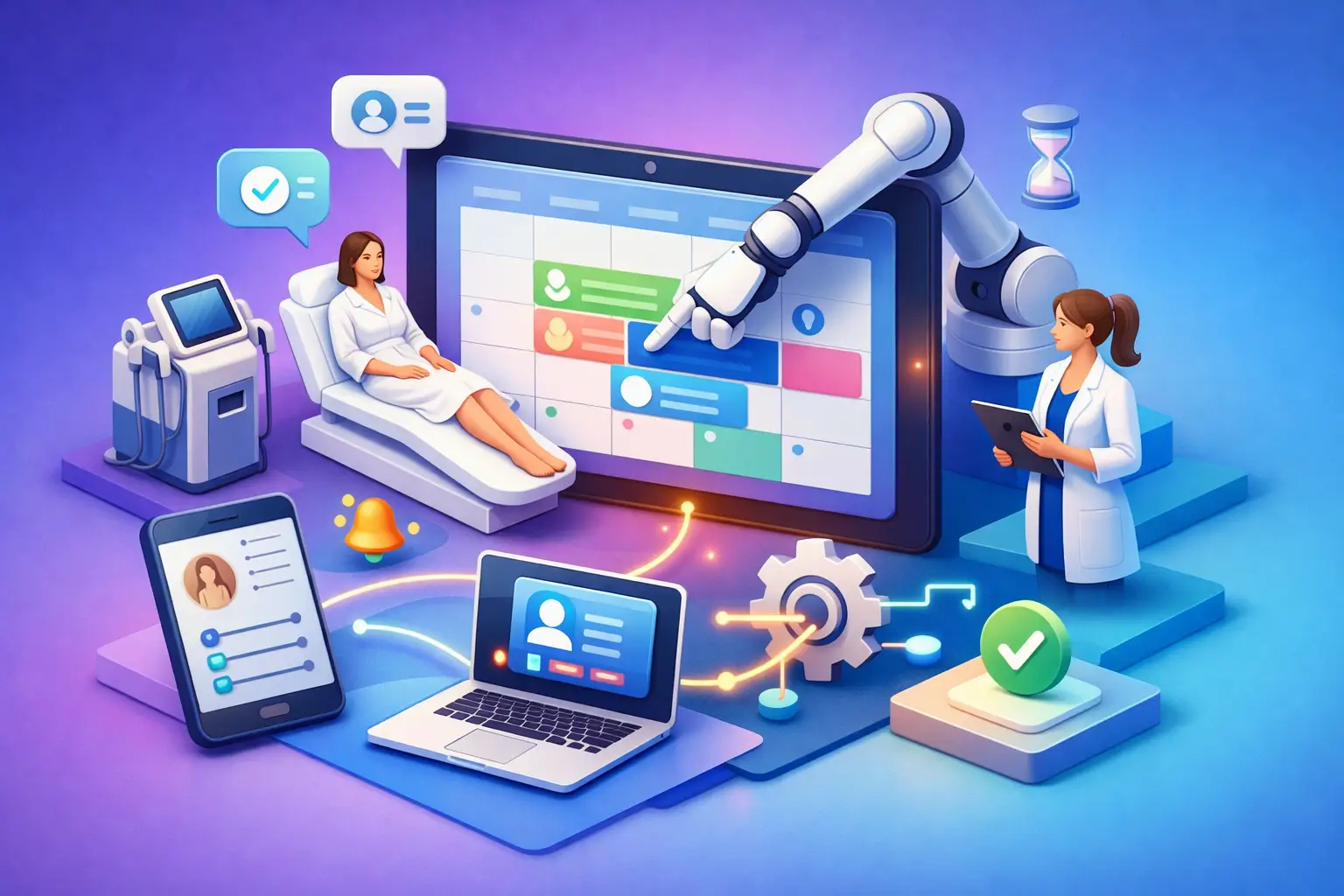
A new patient calls while your coordinator is checking out a Botox client. Another submits a web inquiry after hours. A returning patient needs to move a laser appointment before work. None of these requests are complicated, but each can become lost revenue when the front desk is busy. Booking workflow automation for med spas gives every inquiry a defined path from first contact to confirmed appointment.
The goal is not to remove the human touch from a high-consideration service. It is to remove the gaps that make patients wait, staff repeat routine work, and schedules develop avoidable holes. A well-designed workflow handles the predictable parts of booking quickly and consistently, then sends exceptions to the right person.
Where Med Spa Booking Workflows Break Down
Med spas do not operate like a simple salon calendar. Patients may need a consultation before treatment, provider-specific scheduling, pre-treatment instructions, deposit collection, or a review of contraindications. That complexity makes a casual "call us to book" process expensive.
The most common breakdown happens at first contact. Calls go unanswered during treatment hours, messages sit in a shared inbox, and a prospective patient contacts multiple providers before anyone responds. By the time a coordinator follows up, the patient may have booked elsewhere or lost the urgency that prompted the inquiry.
The next problem is handoff. A patient asks about filler, receives a general response, and is told someone will call back to schedule. That creates another task, another queue, and another chance for the patient to disappear. Even when the appointment is booked, incomplete intake details can force staff to spend more time clarifying service needs before the visit.
Manual reminders create another weak point. Staff may remember to confirm tomorrow's appointments but have less capacity to work cancellations, waitlists, or inactive leads. The calendar looks full until late cancellations and no-shows expose the actual capacity problem.
What Booking Workflow Automation Should Handle
Effective automation does not mean handing every patient interaction to a generic bot. It means establishing a reliable receptionist layer that responds immediately, gathers the right information, and moves the patient toward an appropriate booking outcome.
For most med spas, the workflow starts with inbound calls, text messages, and website inquiries. The system should acknowledge the request immediately, answer approved routine questions, and capture contact details along with the service of interest. If the patient needs help choosing between services, the workflow can route that conversation to the team rather than guessing.
From there, the automation should distinguish between new and returning patients. A new patient interested in a treatment that requires clinical review may need a consultation, while a returning patient may be eligible to book directly with a preferred provider. This distinction protects the patient experience and keeps schedules aligned with practice policies.
Appointment handling should include real availability, provider rules, appointment types, and booking windows. It should also send confirmation details and relevant preparation instructions in a consistent format. A patient should not have to call again just to confirm the address, arrival time, or whether they need to pause a specific skincare product.
After booking, the workflow continues. Automated reminders can prompt patients to confirm, reschedule, or ask for assistance before the appointment becomes a no-show. When a cancellation occurs, the system can notify qualified patients who have asked for an earlier opening. That turns schedule management into an active process instead of a daily cleanup task.
Build Booking Workflow Automation for Med Spas Around Decisions
The best workflow begins with the actual decisions your front desk makes every day. Document those decisions before selecting features or writing automated messages. If the team cannot clearly explain what happens when a new lead asks for a service, automation will only accelerate confusion.
Start with service pathways
Group services by scheduling requirements. Some may be straightforward rebookings. Others require a consultation, a specific provider, a longer appointment block, or advance screening. Keep the categories practical. The purpose is to give the receptionist workflow clear instructions, not create a clinical decision tree that patients cannot understand.
For example, a returning patient requesting a familiar maintenance treatment may move directly to available times. A new patient requesting a more involved treatment may be guided to a consultation. If a request contains a question about suitability, pregnancy, medications, or a prior complication, it should be routed to trained staff or a clinician according to your policies.
Define the information needed to book
Every extra question adds friction, so capture only what is needed at that stage. Usually that includes name, preferred contact method, desired service, new or returning status, preferred timing, and provider preference where relevant. More detailed health or consent information belongs in your approved intake process, not necessarily in the first booking exchange.
The workflow should also identify high-intent leads. Someone asking for the next available appointment, pricing for a specific service, or a consultation this week deserves a faster path than a vague inquiry that may need nurturing. Both inquiries matter, but they should not receive the same operational treatment.
Set a clear escalation path
Automation needs boundaries. It should know when to stop and involve a person. Escalations may include clinical questions, complaints, billing disputes, complex treatment plans, requests for services outside normal policy, and patients who cannot find a suitable time.
A strong escalation includes context. Staff should see what the patient asked, what information was collected, and what action is needed. That prevents the frustrating experience of asking a patient to repeat the same details after they have already engaged with your practice.
Measure Conversion, Not Just Message Volume
A workflow is working when it creates more completed appointments with less staff effort. Track missed calls, response time, inquiry-to-booking conversion, appointment confirmations, reschedules, cancellations, and no-show rates. Review these numbers by service type and lead source when possible.
Speed-to-lead matters, but it is not the only metric. A fast response that books the wrong appointment type creates downstream work and a poor patient experience. The better measure is whether the right patient reaches the right appointment with the right expectations.
Also track where conversations leave the workflow. If patients frequently stop responding after receiving a price range, your messaging may need more clarity. If they ask the same questions before booking, your initial responses may be too generic. If staff receive a high volume of escalations, the workflow rules may be incomplete or overly cautious.
Keep the Experience Personal Without Making It Manual
Med spa patients often choose a practice based on trust, responsiveness, and confidence in the experience. Automation should support those expectations, not make interactions feel cold. Use a clear, professional voice. Reference the requested service. Confirm the next step. Avoid pretending that an automated system is a clinician or making treatment recommendations beyond approved guidance.
Personalization does not require long messages. A concise response that recognizes a patient's request, offers appropriate appointment options, and explains what happens next is often more helpful than a delayed, overly polished reply. Consistency matters because every unanswered call or unclear handoff affects how patients view the practice.
The trade-off is that not every workflow should be fully automated. A boutique practice with highly customized treatment plans may choose more human review before booking. A high-volume injectables practice may prioritize immediate scheduling for established patients. The right level of automation depends on service mix, staffing model, provider availability, and clinical policies.
Choose Automation That Acts Like a Receptionist
A general chatbot can answer questions, but booking operations require more. Your system needs to capture leads, manage appointment requests, route exceptions, and maintain follow-up across the channels patients actually use. It also needs rules that reflect the way your practice schedules, rather than forcing staff to work around a generic template.
Ortuas is designed around this receptionist function: answering inbound inquiries, handling appointments, and maintaining consistent customer communication when staff are occupied or unavailable. The value is practical. Every inquiry gets a response, routine booking work moves faster, and the front desk has more time for patients who need direct attention.
Start with one high-volume workflow, such as missed calls for consultations or confirmation messages for upcoming appointments. Make the handoffs accurate, review the results, then expand. A booking process should feel dependable to patients and manageable to staff. When it does, the calendar becomes easier to protect, not harder to maintain.
Get tips like this in your inbox
We send practical guides on AI, automation, and growing your service business. No spam.