Appointment Software vs Receptionists Compared
September 15, 2026
Appointment software vs receptionists: compare cost, coverage, booking conversion, and customer experience to choose the right front-desk model for growth.
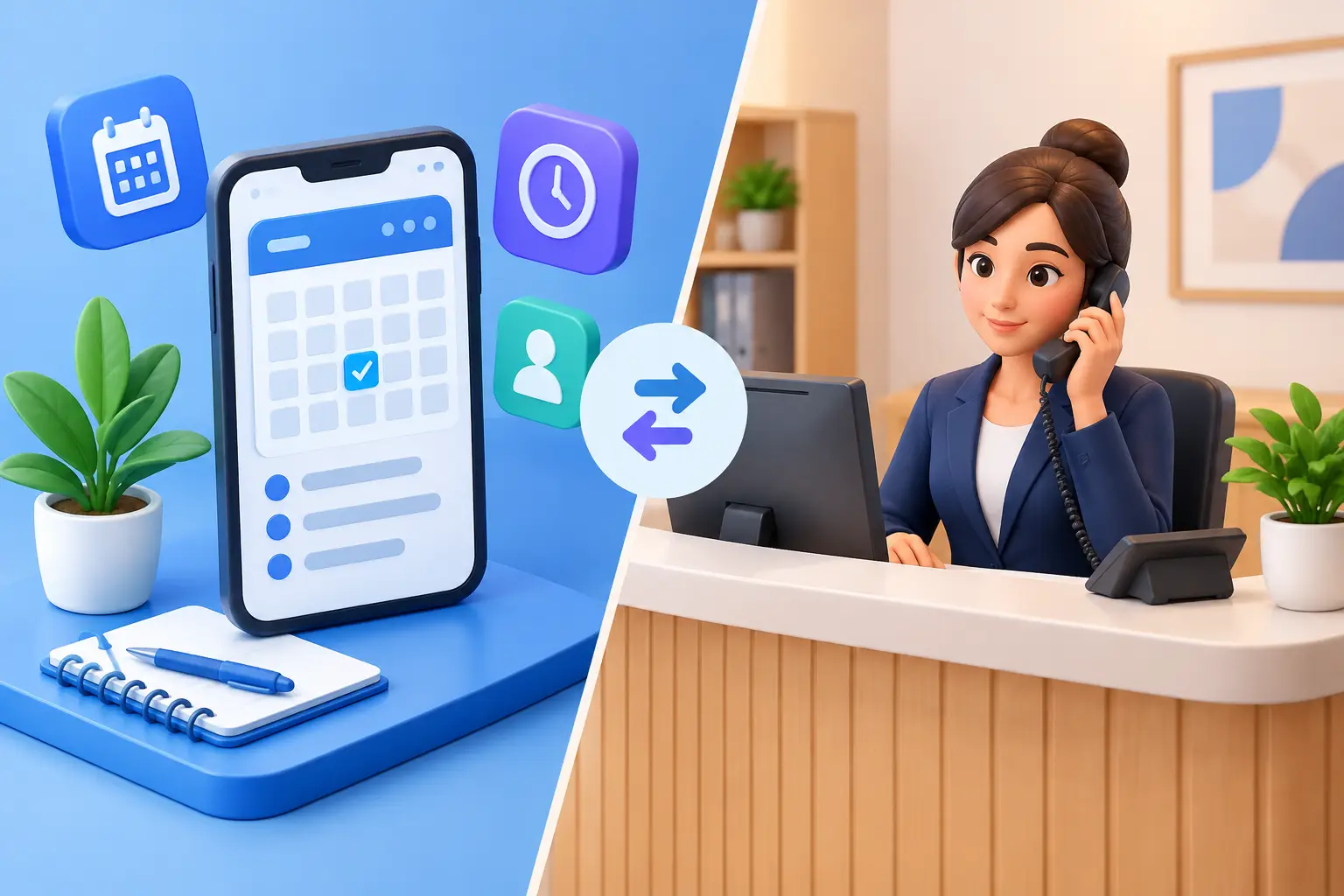
A missed call at 4:55 p.m. is rarely just a missed call. For an appointment-driven business, it can be a patient who books elsewhere, a homeowner who chooses the first contractor to respond, or a prospective client who never calls back. The real question in appointment software vs receptionists is not whether technology can replace every human interaction. It is whether your front desk consistently captures, qualifies, and books the opportunities your business already receives.
For many service businesses, the strongest answer is not a strict either-or decision. Appointment software handles scheduling mechanics. Receptionists handle conversations. An AI receptionist can connect those functions by responding to inquiries, managing appointment requests, and keeping customer communication moving when the office is busy or closed.
What appointment software does well
Appointment software is built to organize the calendar. It gives customers a way to view availability, choose a service, select a time, and receive confirmations or reminders. For a business with clear appointment types, predictable durations, and customers who are ready to book, this can remove a meaningful amount of back-and-forth.
The benefit is consistency. A scheduling system does not forget to send a reminder, double-book a time slot because it was interrupted, or need someone to manually confirm every routine appointment. It can also give managers a cleaner view of utilization, cancellations, and open capacity.
But scheduling software usually depends on the customer reaching the booking page and knowing what they need. That is not always how inbound demand works. A caller may want to ask about pricing, availability, insurance, service areas, preparation requirements, or whether their situation qualifies for an appointment. If the answer is not obvious, a calendar link alone may not convert the inquiry.
What a receptionist does well
A receptionist does more than place appointments on a calendar. A capable front-desk professional listens for context, answers routine questions, directs urgent or complex matters, and makes customers feel that someone is accountable for their request. In businesses where each appointment requires judgment, a human conversation can be valuable.
Receptionists are especially useful when calls involve exceptions. A caller may need a same-day slot, a specific provider, a service that does not fit a standard appointment type, or help resolving a past issue. Human staff can apply discretion and identify the next best action.
The limitation is coverage. A receptionist can only manage one conversation at a time. Calls arrive during lunch, while staff are helping customers in person, after business hours, and during vacations or turnover. Even an excellent team will have periods when incoming inquiries wait, go to voicemail, or receive inconsistent answers.
That creates a cost beyond payroll. Slow response time can reduce booking conversion, and missed calls are difficult to recover once a customer has contacted a competitor.
Appointment software vs receptionists: the operational trade-offs
The best front-desk model depends on the type and volume of inquiries your business receives. A business with low call volume and highly specialized intake may benefit most from a trained human receptionist. A business with high appointment volume, routine scheduling questions, and frequent after-hours inquiries may find that automation has a more immediate impact.
Cost is an obvious comparison, but it should not be the only one. A receptionist brings judgment, empathy, and flexibility, but also requires hiring, training, scheduling, coverage planning, and management. Appointment software has lower incremental cost and can operate continuously, but it may not handle conversation-heavy intake without additional support.
Response speed is often the deciding factor. Customers contacting a local service business commonly expect an answer now, not when the office reopens or the front desk clears its queue. When every inquiry is answered promptly, the business has a better chance of guiding the customer toward a confirmed appointment.
Consistency matters as well. A well-configured automated reception process can provide the same approved information, booking rules, confirmations, and follow-up every time. That reduces avoidable errors and protects the customer experience during peak periods.
Where AI reception fits
An AI receptionist is not simply an online booking tool and not a general-purpose chatbot placed on a website. Its role is to handle the core work of a reception desk: answer inbound inquiries, collect the details needed for the next step, route questions appropriately, schedule or request appointments, and continue communication through confirmations and follow-ups.
This model is particularly effective when the front desk is the bottleneck between interest and a booking. Instead of asking customers to navigate a calendar on their own or leave a voicemail, the system can engage them immediately and guide the interaction based on your scheduling rules.
For example, a prospect may call after hours asking whether a service is available, how soon an appointment can be scheduled, and what information they need to provide. Rather than waiting until morning, the inquiry can be captured and handled in the moment. If the request fits the business rules, it can move toward a confirmed booking. If it requires staff judgment, the right details can be collected and routed without losing the lead.
Ortuas is designed for this receptionist function: maintaining always-on coverage for inquiries, appointment handling, and customer communication without adding another full-time coverage burden to the office.
When to keep a human receptionist at the center
Automation should not force every interaction into a rigid workflow. Some businesses need a human-led front desk because their customers face sensitive, complex, or high-stakes decisions. Others have appointment requirements that change frequently or require real-time approval from staff.
In those cases, technology should reduce administrative friction rather than attempt to eliminate human involvement. Appointment software can manage confirmations and reminders. An AI receptionist can capture routine inquiries, answer approved questions, and route exceptions. Your human team can focus on the conversations where experience and judgment change the outcome.
This is often the most practical approach for growing businesses. Rather than hiring additional staff solely to cover overflow and after-hours calls, they create an automation layer that protects coverage while allowing employees to concentrate on customers already in the office.
Questions to ask before choosing a model
Start with call and inquiry patterns, not product features. Review how many calls go unanswered, when they arrive, how long customers wait for a response, and how often staff interrupt in-person work to handle the phone. Then look at where inquiries break down. Are prospects failing to book because they cannot find availability, because they have unanswered questions, or because no one responds quickly enough?
Next, separate routine requests from exceptions. If most contacts involve standard services, common questions, and straightforward booking rules, automation can take on a large share of the workload. If most calls require diagnosis, negotiation, or sensitive discussions, human staff should remain central to intake.
Finally, define what a successful front desk should produce. The goal is not simply fewer calls for staff to answer. It is more captured leads, faster replies, accurate appointments, fewer no-shows, and clearer handoffs when a person needs to step in.
Build for coverage, not just calendar access
A booking link is useful, but it is not front-desk coverage. Customers still need answers when they call, text, or submit a question outside normal hours. They need a clear path from initial interest to a scheduled next step.
The most effective choice is the one that makes your business reliably available without creating more administrative work behind the scenes. Keep people where human judgment matters. Automate the repetitive reception work that delays responses and leaves appointments unbooked. Every inquiry handled promptly gives your business another chance to earn the appointment.
Get tips like this in your inbox
We send practical guides on AI, automation, and growing your service business. No spam.