Appointment Booking Software vs Receptionist
May 26, 2026
Compare appointment booking software vs receptionist across cost, coverage, speed, and conversion to choose the right front-desk model.
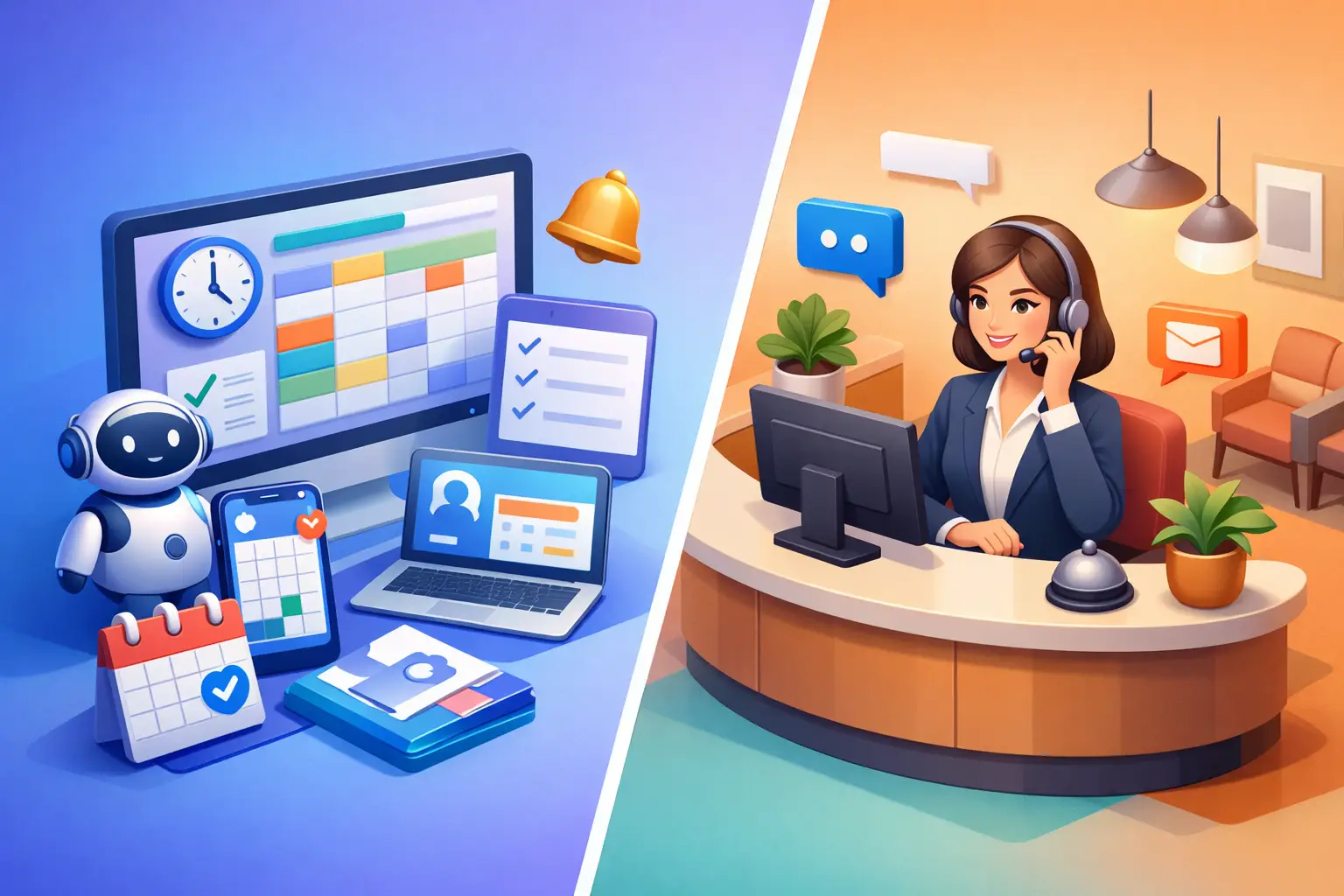
A missed call at 4:57 p.m. can turn into an empty slot tomorrow morning. That is the real decision behind appointment booking software vs receptionist. For service businesses, this is not a philosophical technology debate. It is a front-desk performance question tied directly to booked appointments, response time, and labor cost.
If your team depends on inbound calls, web inquiries, and appointment changes to keep the schedule full, the choice affects more than convenience. It shapes how many leads are captured, how consistently customers are answered, and how much administrative effort your staff spends on repetitive scheduling work. In most cases, the best answer is not simply software or human support. It is deciding which parts of reception must be handled instantly, accurately, and at all hours.
Appointment booking software vs receptionist: what is actually being compared?
Many businesses compare a calendar tool to a person and assume they serve the same function. They do not. Appointment booking software usually focuses on scheduling mechanics. It lets customers select a time, receive reminders, and sometimes reschedule without staff involvement.
A receptionist handles a wider set of front-desk tasks. That includes answering questions, qualifying new inquiries, guiding people to the right service, collecting contact details, confirming intent, and managing exceptions when the schedule does not fit standard rules. A strong receptionist is not just filling slots. They are reducing friction between initial contact and confirmed appointment.
That is why the better comparison is this: do you need a scheduling tool, a reception function, or both?
A basic booking platform can work well when customers already know what they want and are comfortable self-serving. A receptionist becomes more valuable when inquiries are messy, urgent, or high-value. Most real businesses deal with both kinds of demand.
Where appointment booking software wins
Appointment booking software is strong when the process is predictable. If a customer can choose a service, pick an available time, and complete the booking without asking questions, software is usually faster and cheaper than staff involvement.
The biggest advantage is availability. Software does not go to lunch, call in sick, or stop answering at closing time. Customers can book after hours, on weekends, or between jobs. For businesses that lose leads outside office hours, that matters.
Software also improves consistency. It follows the same scheduling rules every time, sends reminders automatically, and reduces manual errors like double-booking or missed confirmations. If your current front desk spends hours each week handling routine appointment changes, a software layer can recover that time quickly.
Cost is another clear strength. One platform can handle a large volume of routine bookings at a fraction of the cost of a full-time employee. That does not mean it replaces the entire front desk. It means repetitive scheduling tasks are often a poor use of paid staff time.
Still, software has limits. It only works well when customers fit the flow it was designed for.
Where a receptionist still has an edge
A receptionist is better when the inquiry needs judgment. A caller may not know which service they need. They may want to explain a problem, ask about urgency, verify insurance or availability, or coordinate around unusual circumstances. In those moments, a static booking flow can create drop-off instead of conversion.
A good receptionist also manages tone. They can reassure a frustrated customer, de-escalate confusion, and adapt their language based on the caller. That can be especially important in businesses where trust affects whether someone books at all.
There is also an internal coordination advantage. Human receptionists can spot patterns, flag recurring issues, and communicate context to the rest of the team. If your office handles complex scheduling dependencies or frequent exceptions, human oversight can prevent operational friction.
The trade-off is cost and coverage. A receptionist can only handle one conversation at a time, works within scheduled hours, and requires training, supervision, and backup. If your business receives spikes in inquiry volume or relies on evening and weekend leads, even a strong receptionist setup may leave gaps.
The real problem is usually missed coverage
For many appointment-driven businesses, the core issue is not whether people prefer talking to a person. It is whether every inquiry gets handled before interest drops.
Missed calls are expensive because they are time-sensitive. Someone looking for an appointment often contacts multiple businesses. If your front desk is busy, away from the desk, or closed, the next business to respond usually gets the booking.
This is where the appointment booking software vs receptionist question becomes more practical. A human receptionist may provide a better experience during staffed hours. But software-driven reception coverage often outperforms a human-only model across the full week because it answers every time.
That difference matters most in businesses where speed-to-lead drives revenue. The faster you capture contact details, answer basic questions, and move a prospect toward an appointment, the more likely you are to convert.
Why basic booking tools are not enough for many offices
A standalone scheduler solves only one part of the front-desk workload. It helps when the customer is ready to choose a time. It does not reliably handle the moments before that decision.
A lot of inbound demand starts with uncertainty. The person may ask if you take new clients, whether a service applies to their situation, what time is available this week, or how soon they can be seen. If your setup depends on the customer figuring everything out alone, some will abandon the process.
That is why businesses often outgrow basic booking software. They need something that responds like a receptionist, not just a calendar. That means handling inbound communication, collecting lead information, guiding the next step, and confirming appointments consistently.
An AI receptionist model fits this gap more directly than a standard scheduler. It covers the front-desk function while still providing the speed and availability of software. For operations leaders, that changes the decision from labor replacement to workflow design.
Cost is only part of the equation
It is tempting to compare monthly software pricing to hourly wages and stop there. But front-desk economics are broader than payroll.
A receptionist carries direct labor cost, plus hiring time, onboarding, training, management, and turnover risk. There is also the cost of inconsistency. If performance varies by shift or coverage disappears during breaks and after hours, your booking process becomes uneven.
Software carries setup and process design requirements. It has to reflect your scheduling rules, communication standards, and service flow. If implemented poorly, it can create customer frustration. But once configured well, it tends to be more stable and scalable.
The biggest hidden cost on both sides is lost demand. If customers cannot book, cannot get answers, or do not receive a prompt response, the value disappears before payroll or subscription cost even matters.
When a hybrid model makes the most sense
For many service businesses, the best answer is not appointment booking software vs receptionist as an either-or decision. It is using automation for coverage and consistency while keeping human staff focused on exceptions, escalations, and higher-value interactions.
That means routine appointment requests, reminders, confirmations, and common inquiries can be handled automatically. Your staff then spends more time on cases that need context or judgment. The result is usually better throughput, not just lower cost.
This model also reduces pressure on the front desk. Instead of asking one person to answer every call, manage walk-ins, schedule appointments, and follow up with customers all at once, you create a system where the predictable work is handled instantly and the nuanced work gets proper attention.
That is the operational value of an AI receptionist. It is not a novelty layer on top of your office. It is a way to standardize responsiveness, extend coverage, and keep appointment handling moving even when your team is occupied.
How to choose the right setup
Start with your inquiry patterns. If most customers self-book without questions, software may be enough. If new business depends on phone calls, service questions, and rapid follow-up, you need reception capability, not just scheduling capability.
Next, look at your coverage gaps. If calls go unanswered during peak periods, lunch, evenings, or weekends, that is where automation usually pays for itself fastest. Then evaluate complexity. The more exceptions your schedule has, the more important it is to choose a system that can handle communication, not only time-slot selection.
One useful test is simple: when someone contacts your business for the first time, can they get from inquiry to confirmed next step without waiting on staff? If not, your current front desk model is probably leaving appointments on the table.
The right choice is the one that protects revenue and reduces manual workload at the same time. For many businesses, that means moving beyond a narrow software tool or a fully manual receptionist model and building a reception process that answers every inquiry, books efficiently, and stays consistent all day. That is where modern front-desk performance starts to look less like staffing coverage and more like operational control.
Get tips like this in your inbox
We send practical guides on AI, automation, and growing your service business. No spam.