AI Receptionist Lead Capture That Actually Books
February 23, 2026
Build an ai receptionist lead capture workflow that answers fast, qualifies leads, books appointments, and keeps every inquiry tracked end-to-end.
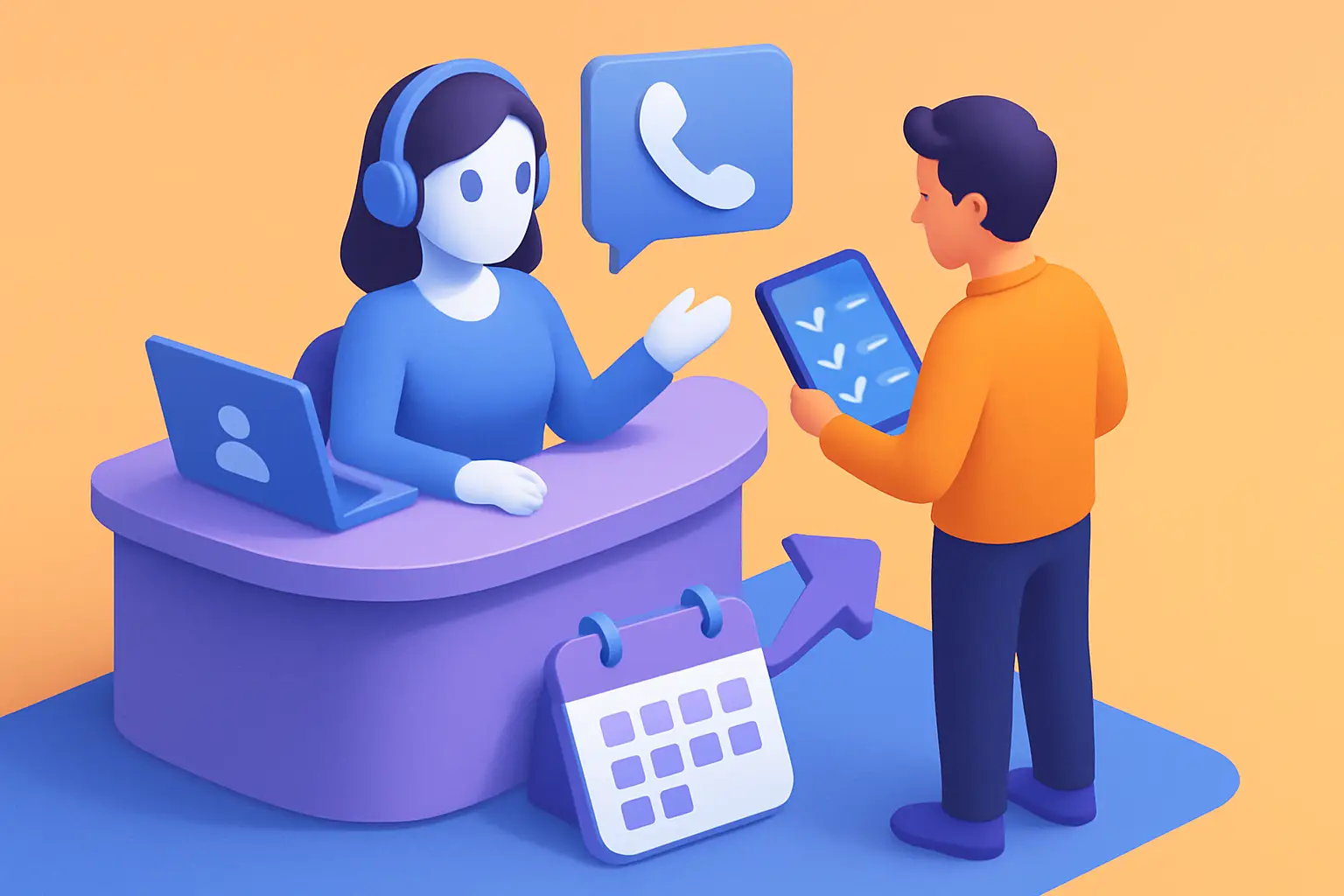
If your phone rings while your front desk is checking someone in, that call is already in danger. If a web form comes in at 7:30 pm, it is usually waiting until morning. And every delay quietly taxes revenue - because service businesses do not lose leads in dramatic ways. They lose them in the gaps between “I’m interested” and “I’m booked.”
A strong ai receptionist lead capture workflow is designed to remove those gaps. Not by adding more tools, but by treating lead capture, qualification, scheduling, and follow-up as one operational system that runs the same way every time.
What “lead capture workflow” means at the front desk
Most teams think of lead capture as collecting contact info. That is only the first inch.
A receptionist workflow is the full path from first contact to a confirmed appointment with the right details in the right place. It includes answering, qualifying, routing, scheduling, confirming, and keeping the record clean enough that the next person - or the same customer later - does not have to repeat themselves.
When the workflow is weak, you see the symptoms: missed calls, voicemail tag, incomplete intake notes, appointments booked without the right service type, and customers who “never heard back.” When it is strong, the front desk becomes predictable: every inquiry gets a response, every qualified lead gets a booking path, and every booked appointment gets confirmation and reminders.
The core design of an ai receptionist lead capture workflow
AI works best at the front desk when you stop treating it like a chat widget and start treating it like coverage. Coverage means it shows up for every inbound channel, handles the same steps every time, and knows what to do when it cannot complete the job.
A practical workflow has five stages: capture, qualify, route, book, and persist. Each stage should be explicit, because ambiguity is where leads leak.
Stage 1: Capture the inquiry without friction
Capture is where speed matters. Your goal is to respond immediately and reduce the effort required to start.
Inbound sources typically include phone calls, SMS, web chat, and web forms. The workflow should normalize these into one consistent intake record. That record needs the basics (name, phone, email) but also the context that makes scheduling successful (service requested, preferred times, location, urgency).
Two operational decisions make or break capture. First, decide which channel is “primary” for follow-up when you cannot complete booking in the moment. Second, define the minimum viable dataset you need to move forward. If you require too much too early, people drop. If you require too little, the team ends up chasing details later and the booking slows down.
Stage 2: Qualify with business rules, not guesswork
Qualification is not about being intrusive. It is about preventing bad bookings and wasted time.
A lead capture workflow should ask only what your team would ask to route the request correctly. For a clinic, that might include new vs returning patient, insurance status, and the reason for visit. For a home services business, it might include address, property type, and whether the issue is urgent.
The key is to convert your existing front-desk rules into decision points. If you do not write those rules down, humans will handle them inconsistently and AI will not be able to follow them.
Where qualification gets tricky is edge cases. Some businesses want every lead booked no matter what. Others need guardrails to protect capacity. If you have a tight schedule or specialized services, qualification should be stricter. If your priority is volume, qualification can be lighter and you rely more on follow-up.
Stage 3: Route to the right destination the first time
Routing is where you keep operational load from boomeranging back to staff.
The workflow should determine whether the inquiry can be handled end-to-end (booked automatically) or whether it needs escalation. Common escalation triggers include requests for pricing exceptions, complex multi-service bookings, clinical or legal sensitivity, or situations where availability is not straightforward.
Routing also applies internally. If you have multiple locations, multiple departments, or different calendars by service line, the workflow should route based on the qualifying answers, not on whoever happens to answer the phone.
A useful standard is: if a human needs to take over, they should receive a clean handoff - summary, contact info, and the reason for escalation - so the customer is not asked to repeat the story.
Stage 4: Book the appointment and lock the details
Booking is the revenue moment. Lead capture that does not lead to a scheduled time is just a contact list.
For booking to work reliably, the AI receptionist must operate against real availability and use the same appointment types your team uses. Otherwise you end up with phantom openings, mis-timed slots, or the wrong duration.
Your workflow should define:
- What counts as a “booked” lead (tentative hold vs confirmed appointment)
- What information must be attached to the appointment (service type, notes, location, assigned provider, and any prep instructions)
- What happens when no suitable times are available (waitlist, alternate locations, or escalation)
This is also where trade-offs show up. Fully automated booking reduces manual work and increases after-hours conversions, but it requires cleaner calendars and tighter definitions of appointment types. If your scheduling rules change often or you run heavy custom work, you may choose a hybrid: AI captures and qualifies, proposes options, then hands off for final scheduling.
Stage 5: Persist the lead record for follow-up and reporting
Persistence is where most workflows quietly fail. If a lead is captured but not logged correctly, it is effectively lost.
Every inquiry should become a trackable record that includes source, timestamp, transcript or notes, qualification answers, booking outcome, and the next action. Without that, you cannot measure speed-to-lead, conversion rate, or where drop-off happens.
Persistence also protects customer experience. When a customer calls back, the “front desk” should remember what happened last time. That continuity reduces friction and improves trust.
What to automate vs what to keep human
Not every business wants the same level of automation. The right split depends on volume, variability, and risk.
If your requests are standardized and your scheduling is predictable, automate more. If your services require nuanced judgment or frequent exceptions, keep humans in the exception path.
A reliable approach is to automate the repetitive core and escalate the unusual. Let the AI receptionist handle immediate response, data collection, basic qualification, scheduling within defined rules, confirmations, reminders, and simple reschedules. Keep humans for complex quoting, sensitive conversations, and exceptions that require context or discretion.
This is not about replacing staff at all costs. It is about removing the failure points that come from being busy, being short-staffed, or being closed.
The metrics that tell you the workflow is working
If you cannot measure it, you cannot improve it.
Start with three operational metrics: speed-to-answer, lead-to-appointment conversion, and time-to-confirmation. Then add quality checks: percentage of appointments with complete intake notes, reschedule rate, and no-show rate.
It also helps to track where leads are coming from and which channel converts best after hours. Many teams assume the phone is the priority, but in practice SMS follow-up often closes the gap when someone cannot talk at that moment.
If conversion is not improving, do not guess. Look for the bottleneck. Are you capturing but not booking because availability is unclear? Are you booking but losing people due to weak confirmation? Are you qualifying too aggressively and pushing away good leads? Workflow fixes are usually small and specific once you can see the drop-off.
Common failure modes (and how to avoid them)
The most common issue is treating an AI receptionist like a one-off feature instead of a system.
A second issue is unclear business rules. If your team cannot explain who gets booked, where, for how long, and under what conditions, the workflow cannot be consistent.
The third is poor handoff design. Escalation is not failure. It is part of the workflow. But if escalations arrive without context, staff will resent the system and customers will feel the friction.
Finally, many businesses skip follow-up. Leads that do not book immediately are still valuable, but only if the workflow schedules a next action. A simple message an hour later, or the next morning, often captures what the first interaction could not.
Implementing an AI receptionist workflow without disrupting operations
Implementation goes faster when you start from your current front-desk reality.
Document your existing intake questions, your appointment types, and your escalation scenarios. Then decide what “good” looks like: for example, answer every inquiry within 30 seconds, capture contact plus service need, and either book or create a handoff task within five minutes.
After that, pilot the workflow on your highest-volume channel first, usually inbound calls or web chat. Let it run long enough to see patterns, then tune the rules. Most businesses do not need dozens of changes. They need a few adjustments that reduce exceptions and improve booking completion.
If you want a product designed specifically around receptionist outcomes - capturing leads, routing questions, and confirming appointments - this is exactly the operational lane that Ortuas is built for.
A final operational note: keep ownership clear. Someone should be responsible for weekly review of transcripts, missed bookings, and escalations. A receptionist workflow is not “set and forget.” It is “set, monitor, and standardize.”
The payoff: fewer gaps, more booked revenue
When an ai receptionist lead capture workflow is built correctly, it stops feeling like automation and starts feeling like reliable coverage. Customers get an immediate response. Your team gets cleaner intake. Scheduling becomes more consistent. And the business gets more appointments from the same inbound demand.
A helpful closing thought: if you want this to drive revenue, do not optimize for “captured leads.” Optimize for “completed bookings with clean details.” That single shift keeps the workflow grounded in the outcome that actually matters.
Get tips like this in your inbox
We send practical guides on AI, automation, and growing your service business. No spam.