AI Receptionist for Small Business: What Matters
February 20, 2026
AI receptionist for small business buyers: see what it does, what to ask vendors, pricing trade-offs, and how to improve bookings fast.
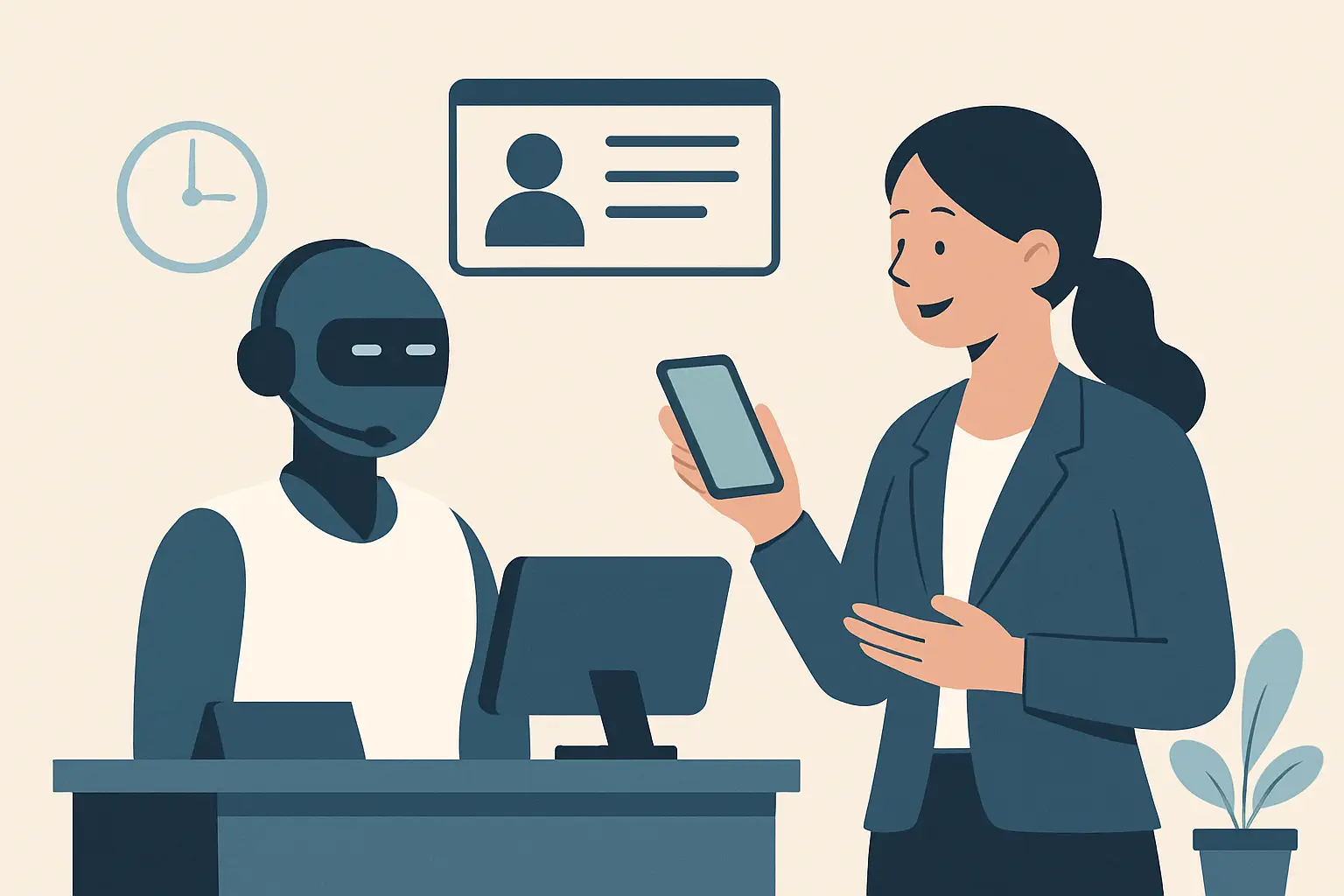
Most small service businesses don’t lose customers because the work isn’t good. They lose them because the phone rings while the team is busy, the voicemail fills up, or the lead comes in after hours and waits until a competitor responds.
That’s the operational problem an ai receptionist for small business is built to solve: capture every inbound inquiry, turn the right ones into booked appointments, and keep the customer informed without adding front-desk headcount.
What an ai receptionist for small business actually does
A true AI receptionist is not a generic website chatbot and it’s not a full customer support platform. It’s front-desk coverage focused on the moments that directly drive revenue and reduce administrative load.
In practice, it handles inbound communications (calls, texts, and sometimes web inquiries depending on the setup), gathers the basic details your staff would normally ask, and moves the interaction toward a next step. That next step is usually scheduling, rescheduling, confirming an appointment, or routing the inquiry to the right person with context.
For appointment-driven businesses, the value is straightforward: fewer missed calls, faster speed-to-lead, and fewer manual touches to get someone on the calendar.
Where small businesses feel the impact first
Operators usually notice the difference in three places.
First, after-hours coverage. Many businesses still get a meaningful portion of inquiries outside 9-to-5, especially when customers are searching on mobile in the evening. If the first response is next day, you’re already behind.
Second, peak-time overload. Even when you have a receptionist, there are predictable spikes: lunch hours, end-of-day scheduling, Monday morning. Calls that roll to voicemail during those spikes are rarely “call back later” opportunities - they’re often lost.
Third, repetitive admin. Confirmation messages, basic intake questions, rescheduling requests, and “what are your hours?” inquiries consume time that should be spent on patient/client-facing work or revenue-producing tasks.
Core capabilities to look for (and why they matter)
Not every “AI receptionist” behaves like a receptionist. If you’re evaluating options, focus on functions that map directly to your front desk.
Lead capture that doesn’t feel like a form
The AI needs to consistently collect name, contact details, the reason for the visit, and timing preferences. The difference between a good and bad system is whether it can do this naturally and reliably, even when customers give partial information.
If your team currently loses leads because intake is inconsistent, an AI receptionist can standardize the first interaction so every inquiry is captured the same way.
Appointment scheduling that respects real-world rules
Scheduling is never just “pick a time.” You may have provider-specific availability, service durations, buffers, location constraints, or qualification steps.
The AI receptionist should handle the rules you actually operate with, not force you into a simplified calendar that creates downstream cleanup for staff. If the system can’t reliably schedule within your constraints, it becomes another inbox your team has to manage.
Confirmations, reminders, and follow-ups that reduce no-shows
The fastest way to improve front-desk performance is to reduce the number of appointments that evaporate because of missing confirmation or unclear instructions.
An AI receptionist should confirm bookings immediately, send reminders based on your policy, and handle basic back-and-forth. The operational win here is less time spent chasing responses and fewer empty slots.
Smart routing when a human needs to step in
There will always be exceptions: complex questions, escalations, special cases, or VIP clients. The AI should know when to route and what to include so the handoff is clean.
The goal is not to block your staff from customers. The goal is to prevent your staff from being forced into every interaction.
The trade-offs you should plan for
AI receptionist coverage is not magic. It’s a workflow upgrade that needs realistic expectations.
It depends on how messy your current process is
If your scheduling rules live in someone’s head, or you have multiple calendars with inconsistent availability, any automation will expose that complexity. You’ll get the best results when you define the rules clearly and make them enforceable.
Customers still want clarity, not cleverness
Small business customers don’t care that it’s AI. They care that they can reach you quickly, get a clear answer, and book a time. The system should sound professional and stay focused on the task.
You’ll need an escalation path
Even the best system needs a defined fallback: who gets notified, how quickly, and with what information. If escalation is vague, staff trust drops and adoption stalls.
How to evaluate an AI receptionist vendor
Most buying mistakes come from evaluating the demo instead of evaluating the workflow.
Start by taking 25 to 50 recent inquiries and categorizing what actually happened. How many were simple scheduling requests? How many were price shoppers? How many were reschedules? How many were “I have a question before I book”? This becomes your test script.
Then ask the vendor to show you how the system handles your real distribution of conversations, including the edge cases. The right vendor will want to pressure-test the workflow because it’s the only way to avoid operational surprises.
Here are the questions that typically separate “nice demo” from “reliable front desk coverage”:
- Can it consistently capture lead details and push them into your existing workflow (CRM, scheduling system, or internal process) without staff retyping?
- How does it handle rescheduling and cancellations, and does it apply your policy?
- What happens when the customer gives incomplete or conflicting information?
- How do you review conversation history, and how does staff override or correct outcomes when needed?
- What reporting exists for missed opportunities: abandoned calls, unbooked leads, response time, and booking conversion?
If those answers aren’t clear, you’re not buying a receptionist. You’re buying another channel to monitor.
Pricing and ROI: what to measure instead of guessing
Small businesses often try to justify an AI receptionist by comparing it to a receptionist salary. That comparison is useful, but incomplete.
A better model is to measure:
- Captured inquiries you currently miss. If you miss even a few qualified calls per week, the revenue impact often outweighs the tool cost.
- Incremental booking conversion. Faster response plus immediate scheduling typically increases the share of leads that become appointments.
- Admin time recovered. If staff spend hours each week on confirmations, reschedules, and basic Q&A, automation directly reduces overhead or frees capacity.
- No-show reduction. Better reminders and confirmations can improve utilization without adding any new marketing spend.
You don’t need perfect attribution to see whether it’s working. You need consistent tracking of inquiry volume, booked appointments, and staff time spent on front-desk tasks.
Implementation: what a clean rollout looks like
The fastest deployments start narrow and expand.
Begin with one location or one service line and define success in operational terms: response time, booked appointments per inquiry, reduction in missed calls, and reduction in staff touches per appointment.
Make sure your scheduling rules are explicit. If there are buffers, minimum notice windows, provider-specific services, or insurance verification steps, those rules must be part of the workflow. Automation will follow your process - so it’s worth tightening the process first.
Finally, train your staff on how the AI receptionist fits into the day. Staff adoption usually improves when they see that the system removes repetitive work and escalates exceptions with better context than a voicemail.
When an AI receptionist is the wrong move
There are cases where you should pause.
If your business is not appointment-driven and most inbound inquiries require deep technical support, you may be better served by a support workflow rather than a receptionist workflow.
If your availability changes hourly and can’t be represented in a calendar reliably, automation will create friction until scheduling is stabilized.
And if you already answer nearly every call live with minimal wait, the ROI may be smaller. In that case, the value shifts toward after-hours coverage and consistency rather than rescue-from-missed-calls.
A practical example of the “always-on front desk” layer
For many service businesses, the best setup is not replacing staff. It’s putting an always-on layer in front of them.
That layer handles the first response, captures the details, books what can be booked, and escalates what should be escalated. The result is a front desk that performs like it has extended hours, without adding scheduling chaos or forcing your team to monitor yet another inbox.
If you’re looking specifically for receptionist-focused automation - lead capture, routing, appointment handling, and ongoing confirmation workflows - a product like Ortuas is designed around that front-desk scope rather than trying to be a broad, general-purpose chatbot.
What to do next
Pick one measurable problem your front desk has right now: missed calls, slow response time, too many reschedules, or inconsistent confirmation. Then evaluate an AI receptionist against that single constraint, using your real conversations.
The best outcome is not “we added AI.” It’s that your business becomes easier to reach, faster to book, and more consistent to interact with - even when your team is busy doing the work customers pay you for.
Get tips like this in your inbox
We send practical guides on AI, automation, and growing your service business. No spam.