Is an AI Receptionist Right for Your Practice?
March 15, 2026
See how an ai receptionist for medical practice improves call coverage, scheduling, and patient response times without adding front-desk headcount.
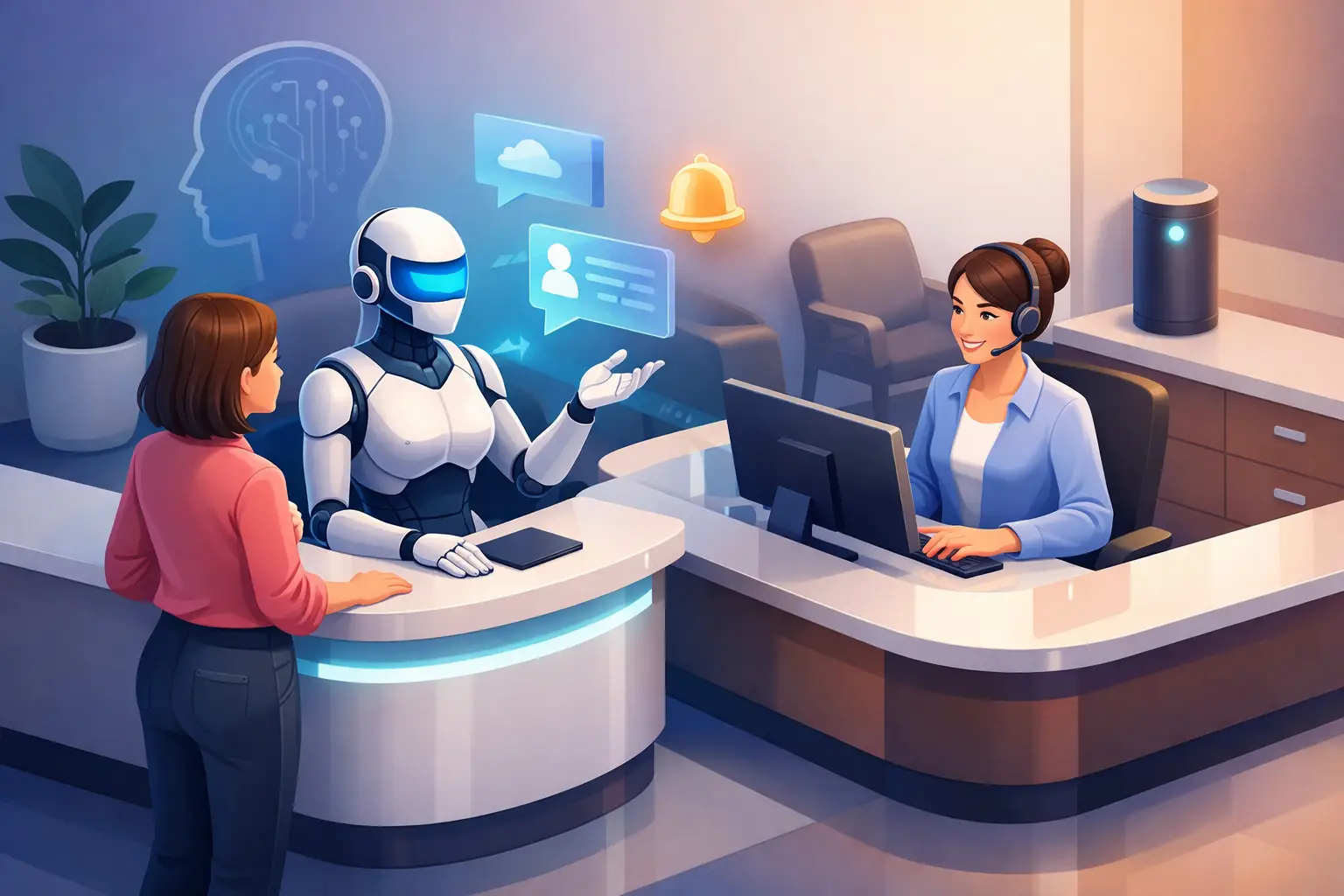
A missed call at 4:47 p.m. can turn into an unfilled slot tomorrow morning. In a medical practice, that is not just a phone issue. It affects schedule utilization, staff workload, and the patient experience.
That is why more operators are evaluating an ai receptionist for medical practice use cases as a front-desk coverage decision, not a novelty purchase. The question is not whether AI can answer a call. The real question is whether it can reliably handle the communication tasks that create or protect revenue while reducing pressure on staff.
What an AI receptionist for medical practice actually does
A medical front desk handles more than greetings. It absorbs appointment requests, repeat scheduling questions, basic intake details, confirmations, cancellations, and after-hours inquiries. When those tasks stack up, even strong teams miss calls, place people on hold, or delay callbacks.
An ai receptionist for medical practice is built to cover those repeatable interactions automatically. It can answer inbound inquiries, respond right away, capture patient information, manage appointment requests, and keep communication moving when the office is busy or closed. In practical terms, it acts as a reception layer that stays available when staff cannot.
That matters most in practices where inbound demand is uneven. A clinic might be quiet for thirty minutes and then get hit with several calls at once. Human reception teams are still essential, but they are limited by coverage, shift timing, and call volume. AI helps close those gaps.
Where practices feel the biggest impact
The most immediate gain is call capture. If your practice depends on new patient inquiries, reschedules, and appointment confirmations, missed calls create avoidable leakage. Patients rarely wait long for a callback, especially for routine care where another provider may answer first.
The second gain is scheduling throughput. Front-desk teams often spend a large part of the day on repetitive scheduling work rather than higher-value patient support. When AI handles common appointment interactions, staff can focus on exceptions, insurance questions, escalations, and in-office service.
There is also a consistency benefit. Human teams vary by shift, experience, and workload. An automated receptionist does not get rushed at lunch, distracted during check-in peaks, or unavailable after hours. It gives practices a more consistent first response across every inquiry window.
For office managers and administrators, the benefit is operational. Better coverage means fewer dropped opportunities, more stable scheduling workflows, and less dependence on adding front-desk headcount just to keep up with phone volume.
The best use cases are narrower than many vendors claim
This is where buyers should stay practical. AI is not equally strong at every front-desk task. It performs best when the job is structured and repeatable.
Good use cases include appointment requests, basic availability questions, routing common inquiries, confirming bookings, collecting callback details, and maintaining communication outside business hours. These are the tasks that consume time and require responsiveness more than judgment.
More sensitive situations often need escalation. Complex clinical questions, emotionally charged calls, unusual insurance issues, and exceptions in scheduling policy usually belong with trained staff. That is not a weakness. It is how good implementation works. The goal is not to automate every conversation. It is to automate the right ones so staff capacity is used where it matters most.
Practices get the best results when they treat AI like a front-desk filter and scheduling assistant, not a replacement for clinical communication or nuanced patient problem-solving.
What to look for in an AI receptionist for medical practice
The right system should first improve responsiveness. If it does not answer quickly and reliably, it fails the most basic front-desk test.
From there, scheduling capability matters. Can it handle appointment requests in a way that fits your existing workflow? Can it capture the right information, guide patients clearly, and keep the process moving without creating extra cleanup for staff later?
Communication quality also matters more than many buyers expect. Patients do not need a flashy experience. They need a clear one. The system should sound direct, helpful, and consistent. Confusing interactions create more callbacks, not fewer.
Another major factor is routing and escalation. No practice should force every inquiry through automation to prove a point. Strong reception automation knows when to hand off. That could mean escalating urgent requests, transferring special cases, or logging details for staff follow-up.
Finally, evaluate reliability in operational terms. Does it reduce missed calls? Does it support after-hours coverage? Does it lower manual scheduling load? Those are better buying criteria than broad AI claims.
Common concerns are valid
Healthcare operators are right to be cautious. Patient communication is not the same as general business call handling. The stakes are higher, and trust matters.
One concern is whether AI will feel impersonal. Sometimes it will, especially if it is poorly configured or forced into conversations that need empathy or judgment. But many routine interactions are already transactional. A patient calling to request a time slot or confirm an appointment usually values speed and clarity over small talk.
Another concern is workflow disruption. If a tool creates more correction work for staff, adoption will stall fast. That is why implementation should focus on specific reception tasks with clear rules. Start where the workflow is repetitive, measurable, and easy to audit.
There is also the issue of staff acceptance. Front-desk teams may hear "automation" and assume replacement. In practice, the better position is support. Most busy practices do not have too few tasks to justify staff. They have too many low-value repetitions pulling staff away from the work only humans can do well.
How to evaluate whether your practice is a fit
The simplest test is to look at call handling gaps. If your office misses inbound inquiries, struggles with lunch-hour coverage, deals with after-hours appointment requests, or has staff tied up on repetitive scheduling conversations, there is a strong case for automation.
Practices with high appointment volume often see the clearest return. That includes primary care, dental, therapy, med spa, urgent care follow-up, specialty clinics, and other operations where quick response improves booking outcomes.
The economics also matter. If your only answer to more call volume is adding front-desk labor, an AI receptionist becomes easier to justify. It can extend availability and standardize communication without the same hiring, training, and scheduling burden.
Still, fit depends on process maturity. If your scheduling rules are inconsistent or your front desk relies heavily on verbal workarounds, automation may expose those issues first. That is not necessarily bad, but buyers should expect some operational cleanup before results are strong.
Implementation works best when you start small
Practices do not need to automate every reception workflow on day one. A narrower launch usually performs better.
Start with one or two high-volume tasks such as new appointment requests and after-hours inquiry capture. Measure response speed, booking conversion, staff time saved, and callback reduction. Once those flows are stable, expand into confirmations, reschedules, and common routing.
This phased approach also makes it easier to define escalation rules. If the AI cannot complete a request confidently, it should route the inquiry cleanly rather than guess. That protects the patient experience and keeps trust intact.
A provider like Ortuas is positioned well when the goal is not broad chatbot experimentation but dependable receptionist coverage. That distinction matters. Practices do not need a general AI tool. They need a system that answers, schedules, follows up, and supports front-desk consistency.
The decision is less about AI and more about coverage
For most medical practices, this is not a technology debate. It is a response-time and capacity problem. Patients call when it is convenient for them, not when your front desk is fully staffed. If your practice cannot respond quickly and consistently, the cost shows up in lost appointments, more manual work, and uneven service.
An AI receptionist makes sense when it improves those operating conditions without adding friction. It should answer faster, capture more inquiries, support scheduling, and reduce repetitive workload. If it cannot do those things, it is the wrong tool. If it can, it becomes part of a more reliable front desk.
The most useful way to view it is simple: not as a replacement for your practice team, but as a coverage layer that keeps appointment demand from slipping through the cracks.
Get tips like this in your inbox
We send practical guides on AI, automation, and growing your service business. No spam.