AI Receptionist for Home Services Example
May 8, 2026
See an ai receptionist for home services example, including call handling, scheduling, lead capture, and where automation fits best daily.
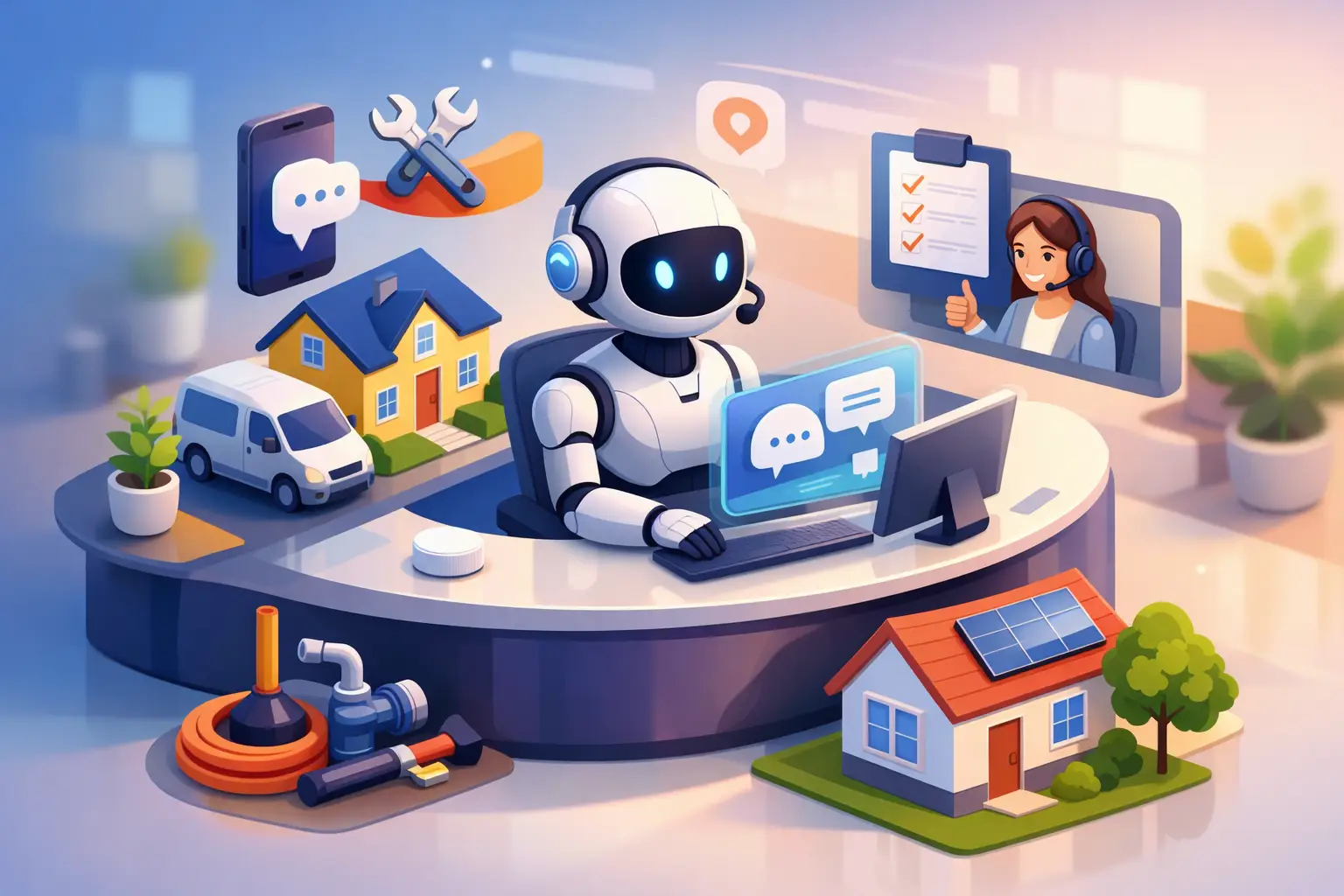
A missed call at 4:47 PM can turn into a lost job by 5:02. That is why an ai receptionist for home services example is more useful when it looks like a real operating day, not a feature list. For HVAC, plumbing, electrical, cleaning, and similar service businesses, the front desk is not just answering phones. It is lead capture, triage, scheduling, follow-up, and protecting revenue when the office is busy or closed.
The core question is simple: what does an AI receptionist actually do in a home services workflow, and where does it improve performance without creating friction? The short answer is that it handles the repetitive, time-sensitive parts of reception well, especially first response, appointment intake, and routine customer communication. The longer answer depends on call volume, service complexity, and how your team already books work.
An AI receptionist for home services example
Picture a mid-sized plumbing and HVAC company with eight field technicians, two office staff, and a steady mix of emergency calls, quote requests, and routine maintenance bookings. During business hours, the office team is already juggling dispatch, customer updates, and technician coordination. After hours, calls roll to voicemail unless someone is on call and available to answer.
Now add an AI receptionist into that workflow.
At 7:12 AM, a homeowner calls before the office opens because their water heater is leaking. The AI receptionist answers immediately, gathers the caller's name, address, issue, and urgency, then routes the request according to the business rules. If the company offers emergency service, the system flags it as urgent and pushes the details to the on-call process. If emergency coverage is limited, it sets expectations, captures the lead, and schedules the earliest available response path.
At 9:40 AM, another caller wants a seasonal AC tune-up. This is a standard booking, not a complex diagnosis. The AI receptionist confirms service type, checks appointment availability, books the job, and sends a confirmation. No hold time, no back-and-forth voicemail tag, no lost opportunity while the office is helping another customer.
At 12:15 PM, a customer calls asking whether the technician is still on the way. That interaction may not need a full office intervention. If the business has defined status updates or common response workflows, the AI receptionist can handle the inquiry or route it correctly without forcing office staff to stop what they are doing.
At 8:26 PM, a homeowner submits an inquiry after finding the company through search. Instead of waiting until the next morning for a callback, the AI receptionist responds, captures the job details, and moves the customer into the scheduling or follow-up process. That speed matters. Home services buyers often contact more than one provider, and the first business to respond usually has the best shot at the booking.
That is the practical version of the model. The AI receptionist is not acting like a general chatbot. It is performing the front-desk functions that directly affect appointment flow and inquiry conversion.
Where AI reception works best in home services
Home services businesses tend to benefit most when their inbound communication falls into repeatable patterns. New service requests, appointment scheduling, rescheduling, basic FAQs, technician arrival questions, and confirmation workflows are all strong fits. These are high-frequency interactions where consistency and response time matter more than a highly customized conversation.
That does not mean every call should stay fully automated. Some situations still need a person. Complicated estimates, upset customers, unusual property issues, billing disputes, and edge-case service questions are better escalated. The goal is not to automate everything. It is to automate the parts that slow down the office and cause missed opportunities when no one answers fast enough.
For many operators, the biggest gain is not labor replacement by itself. It is coverage. Calls come in before opening, during lunch, while staff are handling other customers, and after the office closes. A business that depends on booked appointments cannot afford dead air during those windows.
What the workflow usually includes
In a strong setup, the AI receptionist answers inbound inquiries, asks structured intake questions, identifies service type, routes urgent issues, books standard appointments, confirms appointment details, and supports follow-up communication. It can also help reduce no-shows through reminders and confirmation messages.
That matters because front-desk performance is rarely judged by how pleasant the phone sounds alone. It is judged by whether inquiries are captured, appointments are set correctly, and customers know what happens next.
The trade-offs in a real ai receptionist for home services example
The upside is straightforward: faster response, more captured leads, lower administrative load, and more consistent appointment handling. But implementation quality matters. If the workflow is vague, the AI will not know when to escalate. If scheduling rules are messy, bookings can create downstream problems for dispatch. If your service catalog is too loosely defined, intake can become confusing.
There is also a customer experience trade-off to manage. Some callers are perfectly happy with quick, efficient automation if it gets them scheduled. Others want reassurance from a person, especially during emergencies. That is why the best setups use clear routing logic. Routine interactions stay automated. High-emotion or high-complexity situations move to a human quickly.
This is also where many businesses make a strategic mistake. They compare AI reception to an ideal front desk with unlimited coverage and zero missed calls. That is not the real alternative. The real alternative is usually voicemail, delayed callbacks, overextended office staff, or paying for broader staffing coverage that still has gaps.
How to evaluate whether it fits your operation
If you are considering this model, start with your current call patterns. Look at missed calls, after-hours inquiries, average callback times, booking bottlenecks, and how often office staff get pulled away from higher-value tasks. If your team loses leads because no one answered, or if routine appointment handling eats up too much admin time, the case is usually strong.
Next, separate your inbound communication into three groups: standard bookings, service questions, and exception cases. The first group is often highly automatable. The second may be partially automatable if your business has clear scripts and policies. The third should usually route to a person.
Then look at scheduling discipline. An AI receptionist performs best when your calendar rules are defined clearly. Service area, job type, appointment duration, availability windows, emergency logic, and follow-up timing should all be organized before automation is layered in. If those rules are inconsistent today, the AI will expose that quickly.
That is not a downside. For many businesses, it is one of the hidden benefits. Tightening the reception workflow improves operations even before the first appointment is booked through automation.
What a good implementation should deliver
For a home services company, a good result looks operational, not theoretical. More calls answered. More inquiries captured. More appointments confirmed. Fewer manual scheduling touches. Better after-hours responsiveness. Less strain on office staff during peak periods.
It should also create consistency. Customers should get the same intake quality whether they call at 10:00 AM or 9:00 PM. Appointment confirmations should go out every time. Basic questions should not depend on which staff member happened to answer that day.
That consistency is often undervalued until a business tries to scale. Once inbound volume rises, front-desk variation starts to hurt conversion and scheduling accuracy. A receptionist layer that handles communication the same way every time can stabilize the operation.
For businesses that want a practical automation layer rather than a broad support platform, that focus matters. A specialized receptionist system is built around inquiry capture, booking flow, and customer communication, which is usually where the immediate return shows up first.
When not to force it
If your business handles only a handful of calls each day, or if nearly every inquiry requires a custom on-site estimate before anything can be scheduled, the return may be less dramatic. The same applies if your internal processes are still changing weekly. Automation works best on repeatable workflows.
Still, even in those cases, after-hours lead capture alone can justify the setup if your market is competitive. A customer who gets an immediate response is less likely to keep calling down the list.
The right question is not whether AI can replace every front-desk task. It is whether it can reliably handle enough of the reception workload to improve booking speed, reduce missed opportunities, and keep your office team focused on the work only they can do.
For most home services operators, that answer comes down to simple math. If every answered inquiry increases the chance of a booked job, reception is not overhead. It is a conversion point. Treating it that way usually changes how quickly the investment makes sense.
The strongest systems do not try to sound impressive. They answer fast, collect the right details, schedule accurately, and keep customer communication moving. That is what better front-desk coverage looks like when it is built for operations, not novelty.
Get tips like this in your inbox
We send practical guides on AI, automation, and growing your service business. No spam.