AI Receptionist Appointment Reminder Workflow
April 18, 2026
Build an ai receptionist appointment reminder workflow that cuts no-shows, confirms bookings, and reduces front-desk admin without extra staffing.
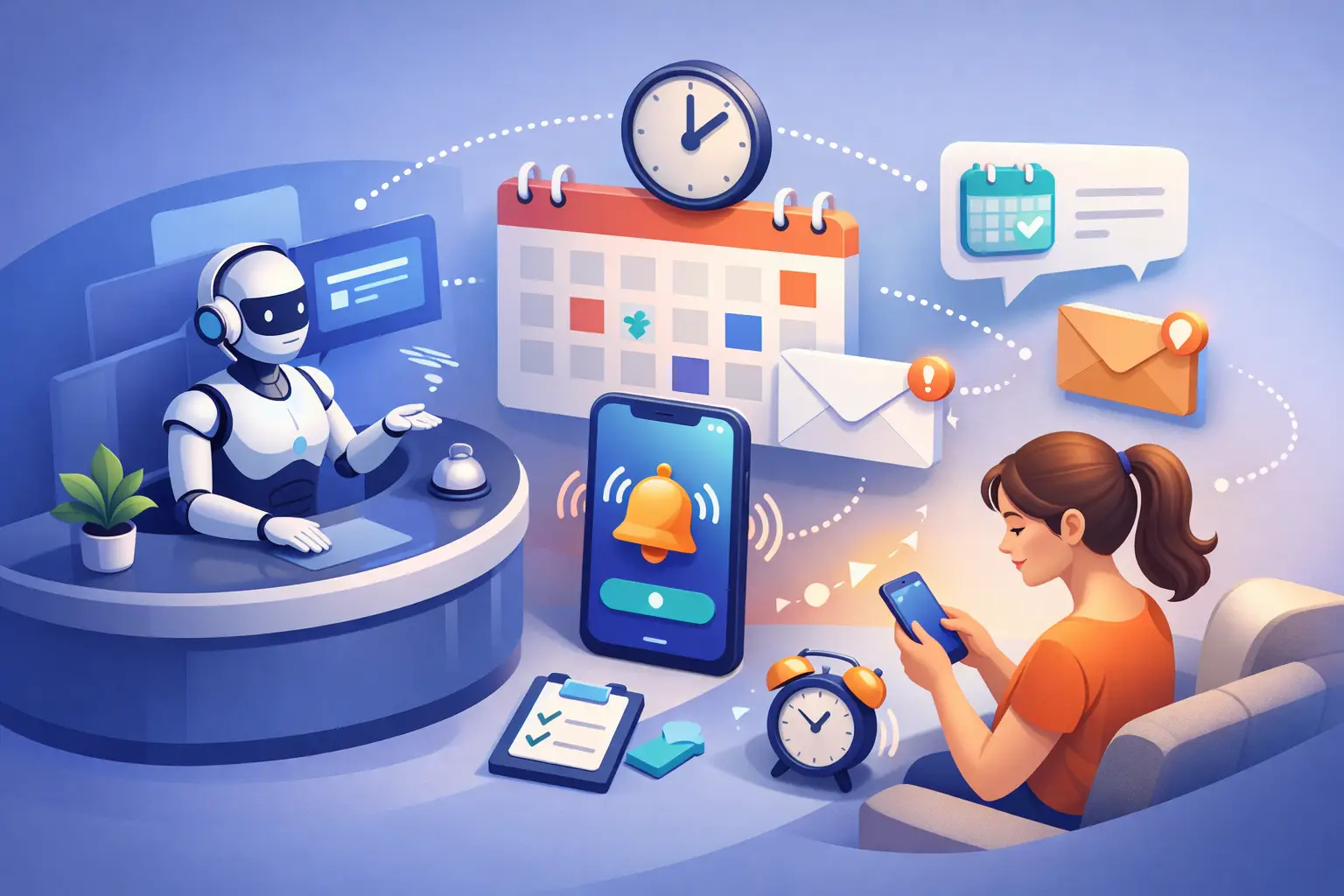
A missed appointment usually starts long before the no-show. It starts with a call that came in after hours, a booking made without clear confirmation, or a reminder process that depends on someone at the front desk remembering to send it. An ai receptionist appointment reminder workflow fixes that gap by turning reminders into a consistent, automated part of scheduling instead of a manual task that gets skipped when the day gets busy.
For appointment-driven businesses, that matters because reminders are not just courtesy messages. They protect revenue, improve schedule utilization, and reduce avoidable admin work. If your team is still confirming appointments manually, or only reminding patients or customers when someone has time, the workflow is already costing more than it looks.
What an AI receptionist appointment reminder workflow actually does
At a practical level, the workflow begins the moment an appointment is booked. The AI receptionist captures the appointment details, records the customer contact information, and triggers the right communication sequence based on the appointment type, time, and urgency. Instead of treating reminders as one-off messages, the system treats them as part of front-desk operations.
That means the reminder process can include immediate confirmation, a follow-up reminder a set number of hours or days before the appointment, and a final check-in close to the scheduled time. It can also handle basic responses such as confirmation, reschedule requests, and simple questions about time, location, or next steps.
The operational advantage is consistency. Human staff can be excellent at customer communication, but manual reminder systems break under real workload. Phones ring, walk-ins arrive, schedules shift, and reminder calls become the first thing to slide. An AI receptionist does not have that problem. It follows the workflow every time.
Why reminder workflows affect more than no-shows
Most businesses think about reminders as a no-show reduction tool, and that is true. But the bigger impact is often on scheduling quality.
When reminders are tied to an AI receptionist, the process can confirm whether the customer is still coming, surface reschedule intent early, and free up staff from repetitive outreach. That gives the front desk more time for exceptions rather than routine follow-up. It also gives operations leaders better visibility into which appointments are solid, which are at risk, and where schedule gaps may open.
There is also a customer experience factor. People expect fast, clear communication. If they book an appointment and hear nothing until they forget, confidence drops. If they receive a prompt confirmation and timely reminder, the business feels organized. That perception matters, especially in service categories where trust and responsiveness influence repeat business.
The core stages of the workflow
A strong ai receptionist appointment reminder workflow usually has four stages: capture, confirm, remind, and resolve.
Capture the appointment correctly
The workflow only works if the initial booking data is accurate. The AI receptionist needs the customer name, appointment time, service type, and preferred contact method. If the booking source is inconsistent, reminders become inconsistent too.
This is where many businesses run into trouble. They may accept bookings by phone, web form, text, and manual entry, but reminders only pull from one system. The result is obvious gaps. A workable setup centralizes appointment data or at least ensures all booking paths trigger the same communication rules.
Confirm immediately
Immediate confirmation is the first filter against no-shows. It tells the customer the appointment is on the schedule and gives them a chance to catch mistakes early.
This step is easy to underestimate, but it matters. If someone books for Thursday and thinks they chose Friday, waiting until the day before to clarify creates unnecessary friction. A fast confirmation message reduces confusion before it turns into a missed slot.
Send reminders at the right time
Timing depends on the business. A medical office, home service company, legal practice, or salon may all need different reminder cadences. Longer lead times often benefit from a reminder a few days in advance and another closer to the appointment. Short-notice bookings may only need a same-day confirmation and a pre-appointment follow-up.
There is no perfect universal schedule. The right approach depends on booking lead time, appointment value, and how disruptive a no-show is to operations. High-value appointments usually justify a more deliberate sequence.
Resolve the customer response
This is where automation becomes more useful than a basic reminder tool. If the customer confirms, the appointment status updates. If they need to reschedule, the workflow can route that request into the scheduling process. If they ask a basic question, the AI receptionist can respond or hand it off when needed.
Without this step, reminders create more inbox traffic for staff instead of reducing work. A workflow should not just send messages. It should move the appointment toward a clear outcome.
What good workflow design looks like in practice
The best reminder workflows are simple for the customer and structured for the business. Customers should know exactly what the appointment is, when it is, and what to do next. Internally, the business should know whether the appointment is confirmed, uncertain, or needs intervention.
That means keeping messages clear and short. It also means defining response paths before launch. If a customer replies that they are running late, who handles that? If they need to move the appointment, can the AI receptionist offer available times or does it escalate to staff? If a reminder fails to deliver, is there a fallback channel?
These details matter because the goal is not automation for its own sake. The goal is fewer missed appointments and less manual work without creating new confusion.
Common mistakes that weaken results
One common mistake is over-messaging. More reminders do not always mean better attendance. Too many touchpoints can feel excessive, especially for low-friction appointments. Another mistake is using the same reminder sequence for every service. A routine follow-up and a high-value consultation should not necessarily be treated the same way.
A second problem is failing to connect reminders with real scheduling logic. If a customer replies to reschedule but the front desk still has to manually dig through messages and update the calendar later, the process is only half automated. The business still carries the operational drag.
A third issue is poor exception handling. Not every customer response will fit a script. Good AI receptionist workflows account for that by defining what can be handled automatically and what should be routed to a person. The trade-off is straightforward: the more complex your scheduling rules, the more carefully the workflow needs to be designed.
How to evaluate whether the workflow is working
If you want to judge performance, start with operational outcomes rather than message volume. The key measures are confirmation rate, no-show rate, reschedule recovery, staff time spent on reminders, and appointment fill rate after cancellations.
You should also look at timing. Are open slots being recovered quickly when customers cancel in advance? Are after-hours bookings being confirmed without waiting for staff to return? Are inbound questions being handled before they become scheduling bottlenecks?
For many businesses, the biggest win is not just fewer no-shows. It is a cleaner front-desk process. Staff stop chasing routine confirmations and can focus on issues that actually need judgment. That is where the labor savings and service improvement start to compound.
Where an AI receptionist fits in the front-desk stack
An AI receptionist works best as the communication layer around scheduling, not as an isolated tool. It should answer inbound inquiries, capture leads, support booking, and continue the conversation through reminders and confirmations. That continuity is what makes the workflow reliable.
This is also why businesses often get more value from a receptionist-focused system than from a generic messaging tool. Appointment reminders are rarely a standalone problem. They sit inside a broader front-desk process that includes missed calls, booking conversion, inbound questions, and schedule management. Ortuas is built around that operational reality.
If your business depends on appointments, reminder performance is not a small admin detail. It is part of revenue protection. A dependable workflow makes sure bookings are acknowledged, customers are reminded on time, and your team is not stuck doing repetitive follow-up by hand.
The useful test is simple: if your front desk disappeared for a day, would appointments still be confirmed, reminded, and managed correctly? If the answer is no, the workflow needs work. That is usually the clearest place to start.
Get tips like this in your inbox
We send practical guides on AI, automation, and growing your service business. No spam.